
Descripción
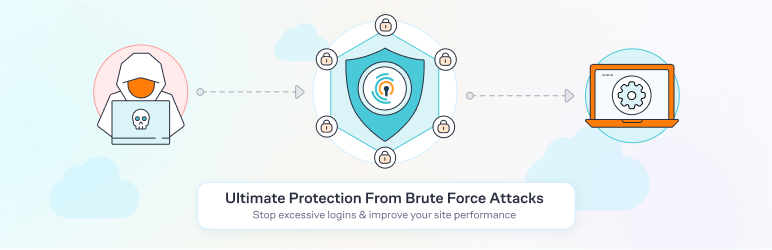
Proteja su sitio web de WordPress contra ataques de fuerza bruta, ataques de bots e intentos de inicio de sesión no autorizados con uno de los plugins de seguridad de inicio de sesión más confiables para WordPress.
Limit Login Attempts Security refuerza la seguridad de inicio de sesión de WordPress al limitar los intentos de inicio de sesión fallidos, bloquear las IP maliciosas, proteger wp-login.php, proteger XML-RPC y agregar un potente cortafuegos y protección 2FA sin ralentizar su sitio web.
Con la confianza de 2 millones de sitios web de WordPress, Limit Login Attempts Security está diseñado específicamente para proteger la parte más vulnerable de su sitio web: la página de inicio de sesión.
Why Use Limit Login Attempts Security?
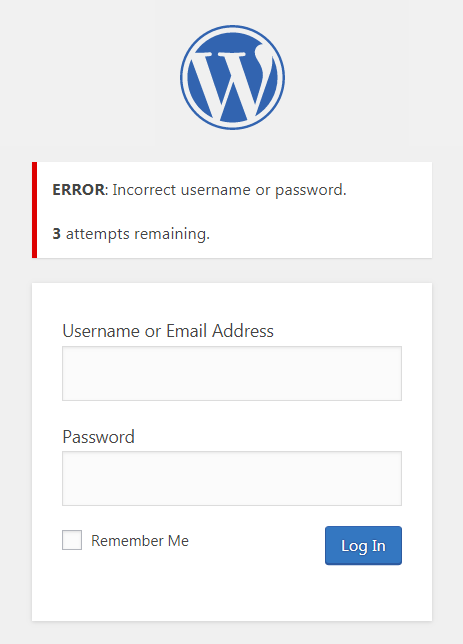
By default, WordPress allows unlimited login attempts. This creates a major security vulnerability where bots and attackers can repeatedly guess usernames and passwords until they gain access. This is especially important in the age of AI, where attackers now have access to faster and more sophisticated tools than ever before.
Limit Login Attempts Security helps stop:
- Brute force attacks
- Bot login attacks
- Credential stuffing attacks
- XML-RPC attacks
- Unauthorized login attempts
- WooCommerce login abuse
- Malicious IP access attempts
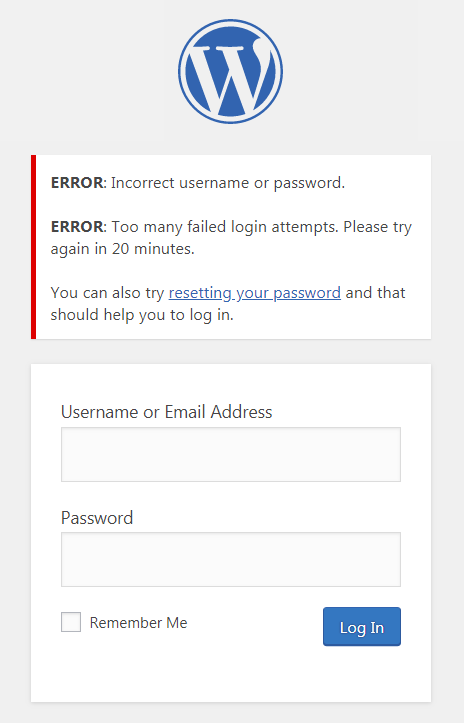
The plugin automatically blocks excessive login attempts and locks out suspicious IP addresses and usernames before attackers can gain access.
Features Included in the Free Version
Login Security & Brute Force Protection
- Limit login attempts by IP address and username
- Automatically lock out suspicious login activity
- Adjustable lockout duration and retry limits
- Protect wp-login.php from automated attacks
- Prevent brute force login attacks
2FA / Multi-Factor Authentication (MFA)
- Built-in two-factor authentication (2FA)
- Add an additional layer of login protection
- Improve WordPress account security
- Secure administrator and user logins
Firewall & Bot Protection
- Block malicious login requests
- Detect suspicious login behavior
- Reduce bot-based login attacks
- Lightweight firewall-focused login protection
WooCommerce & Plugin Compatibility
Protege:
- WooCommerce login pages
- XML-RPC login requests
- Custom login pages
- WordPress multisite installations
Compatible con:
- Wordfence
- Sucuri
- Ultimate Member
- MemberPress
- WPS Hide Login
- Cloudflare and reverse proxy setups
Supervisión de accesos y avisos
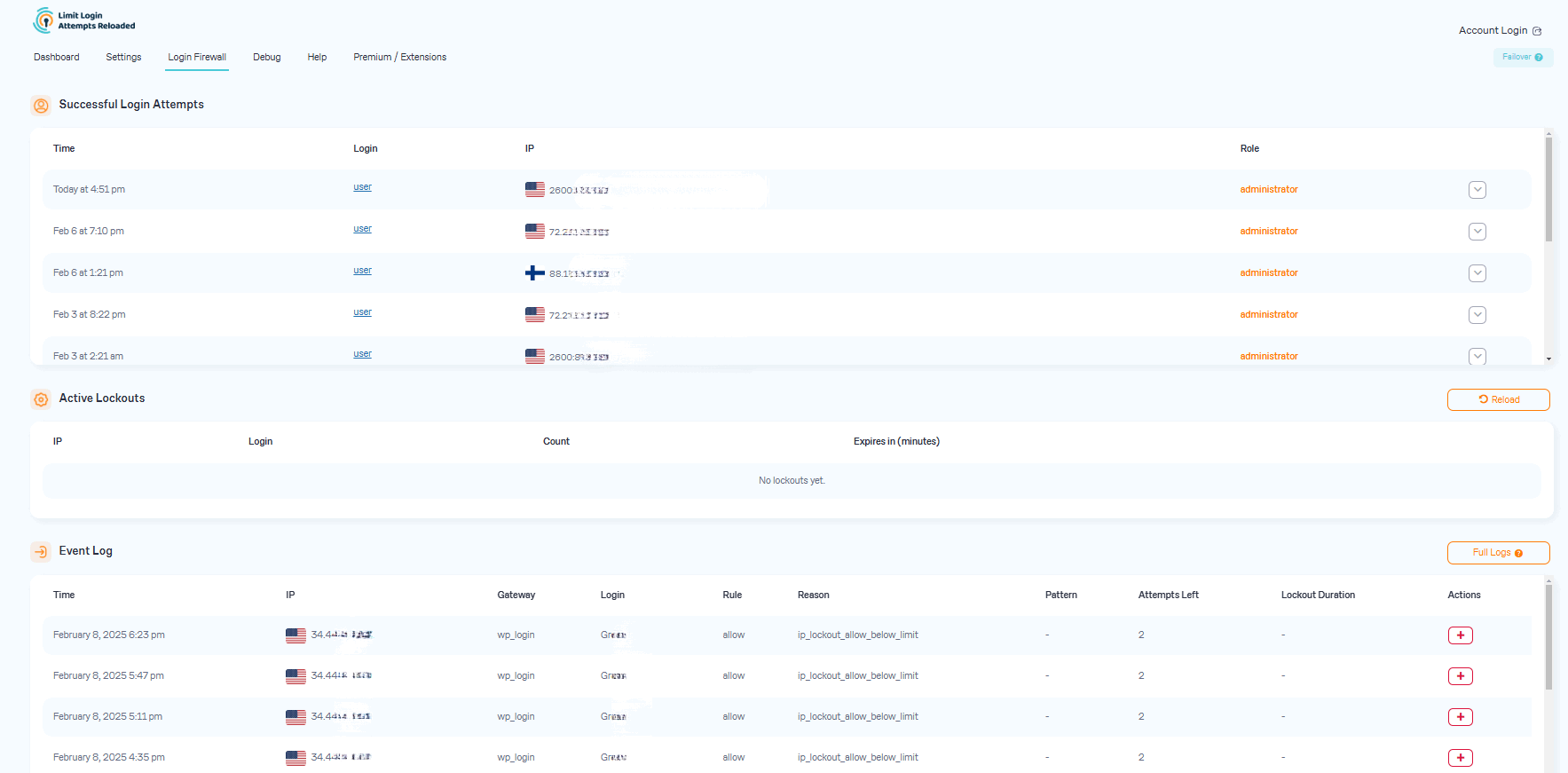
- Registros de intentos de inicio de sesión fallidos
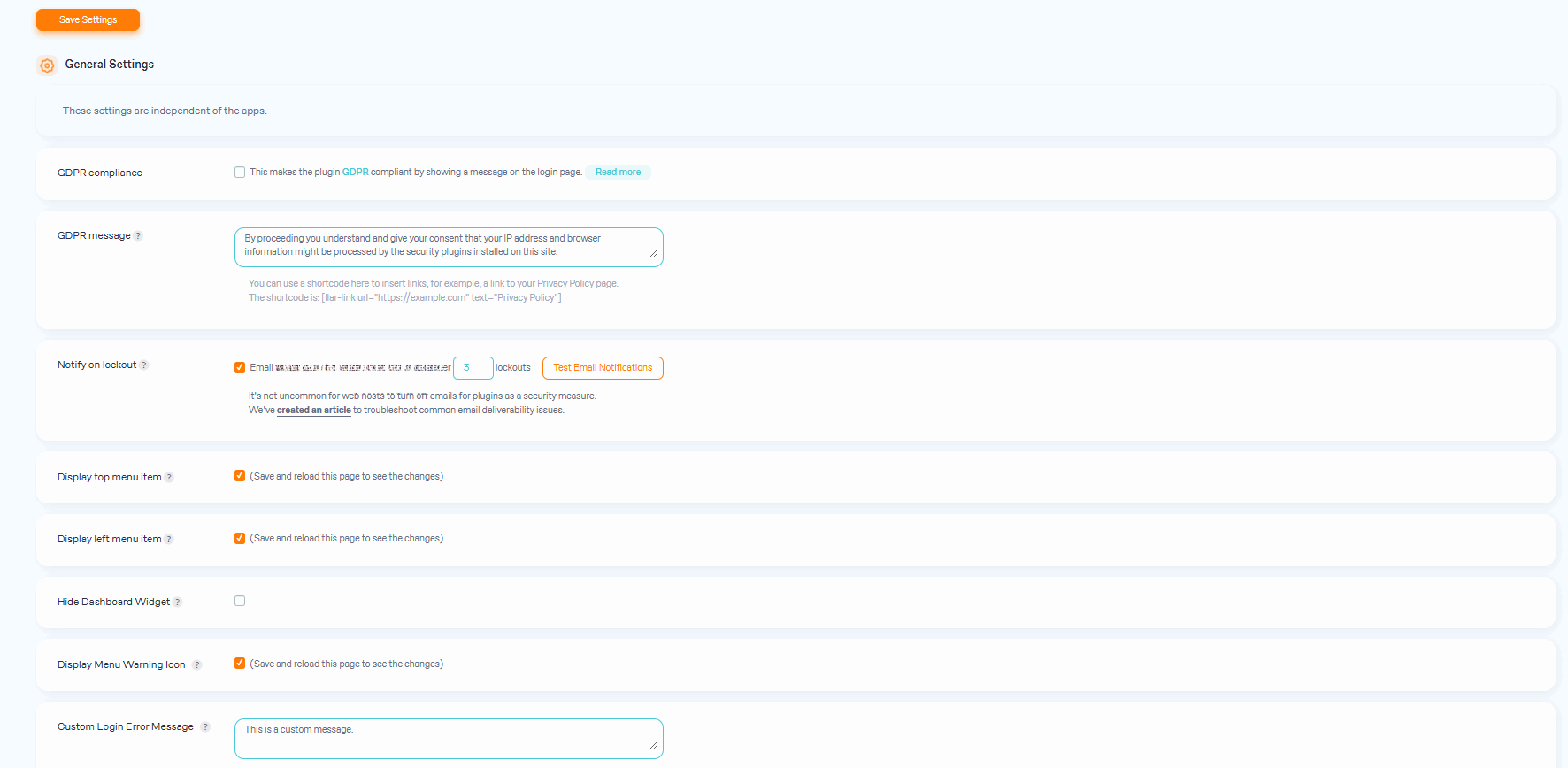
- Notificaciones por correo electrónico de bloqueos
- Seguimiento de intentos denegados
- Login retry visibility for users
Controles de acceso
- IP safelist and denylist support
- Username safelist and denylist support
- IPv6 range support
- Custom IP origin configuration
Premium Features (Start Your Free 7 Day Trial)
Mejora a Limit Login Attempts Security Premium para ampliar la protección con seguridad de acceso basada en la nube y prevención avanzada de ataques.
Protección avanzada en la nube
- Real-time malicious IP intelligence
- Global denylist protection
- Synchronized lockouts across websites
- Auto IP denylist generation
- Cloud-based login attack mitigation
Protección de rendimiento mejorada
- Offload excessive failed login requests from your server
- Reduce server strain during attacks
- Improve stability under heavy attack conditions
Características de seguridad avanzadas
- Country-based login blocking
- Limitación de velocidad y escalado de bloqueos mejorados
- Registration page protection
- Successful login tracking
- Enhanced lockout analytics and geolocation data
Funciones para múltiples sitios y equipos
- Shared safelist and denylist syncing
- Shared lockout protection between domains
- Cloud backups of IP security data
- CSV exports of login and IP activity
Soporte Premium
- Access to security-focused support specialists
- Faster troubleshooting and assistance
Lightweight Security Built for WordPress
A diferencia de muchos paquetes de seguridad de gran tamaño, Limit Login Attempts Security se centra específicamente en la seguridad de inicio de sesión y la protección contra ataques de fuerza bruta.
Esto significa:
- Faster performance
- Less server overhead
- Easier configuration
- Strong protection without unnecessary bloat
Protect More Than Just wp-login.php
Limitar los intentos de inicio de sesión. La seguridad protege:
- wp-login.php
- XML-RPC
- WooCommerce logins
- Custom login forms
- Registration pages
- Multisite logins
Trusted by Millions of WordPress Websites
Limit Login Attempts Security es uno de los plugins de seguridad de inicio de sesión de WordPress más utilizados y ha ayudado a proteger millones de sitios web de ataques de fuerza bruta y actividades de inicio de sesión maliciosas.
Tanto si corres:
- A personal blog
- WooCommerce store
- Membership website
- Agency
- Business website
- Enterprise WordPress network
La función Limit Login Attempts Security ayuda a proteger tu experiencia de inicio de sesión con la moderna protección de inicio de sesión de WordPress.
¿Actualizas desde el plugin original Limit Login Attempts?
Cambiar es fácil:
- Eliminar el antiguo plugin Limit Login Attempts
- Instalar Limit Login Attempts Security
- Your settings will remain intact
Translation Support
Actualmente traducido a varios idiomas, entre ellos:
- Spanish
- French
- German
- Dutch
- Turkish
- Swedish
- Ruso
- Rumano
- Chino (Tradicional)
- Portugués brasileño
- Y más
Secure Your WordPress Login Today
Instala Limit Login Attempts Security y protege tu sitio web de WordPress con:
- Seguridad de inicio de sesión
- Two-Factor Authentication (2FA)
- Protección contra la fuerza bruta
- Seguridad del cortafuegos
- Protección contra bots
- XML-RPC protection
- Protección de inicio de sesión de WooCommerce
Sin ralentizar tu sitio web.
Capturas de pantalla
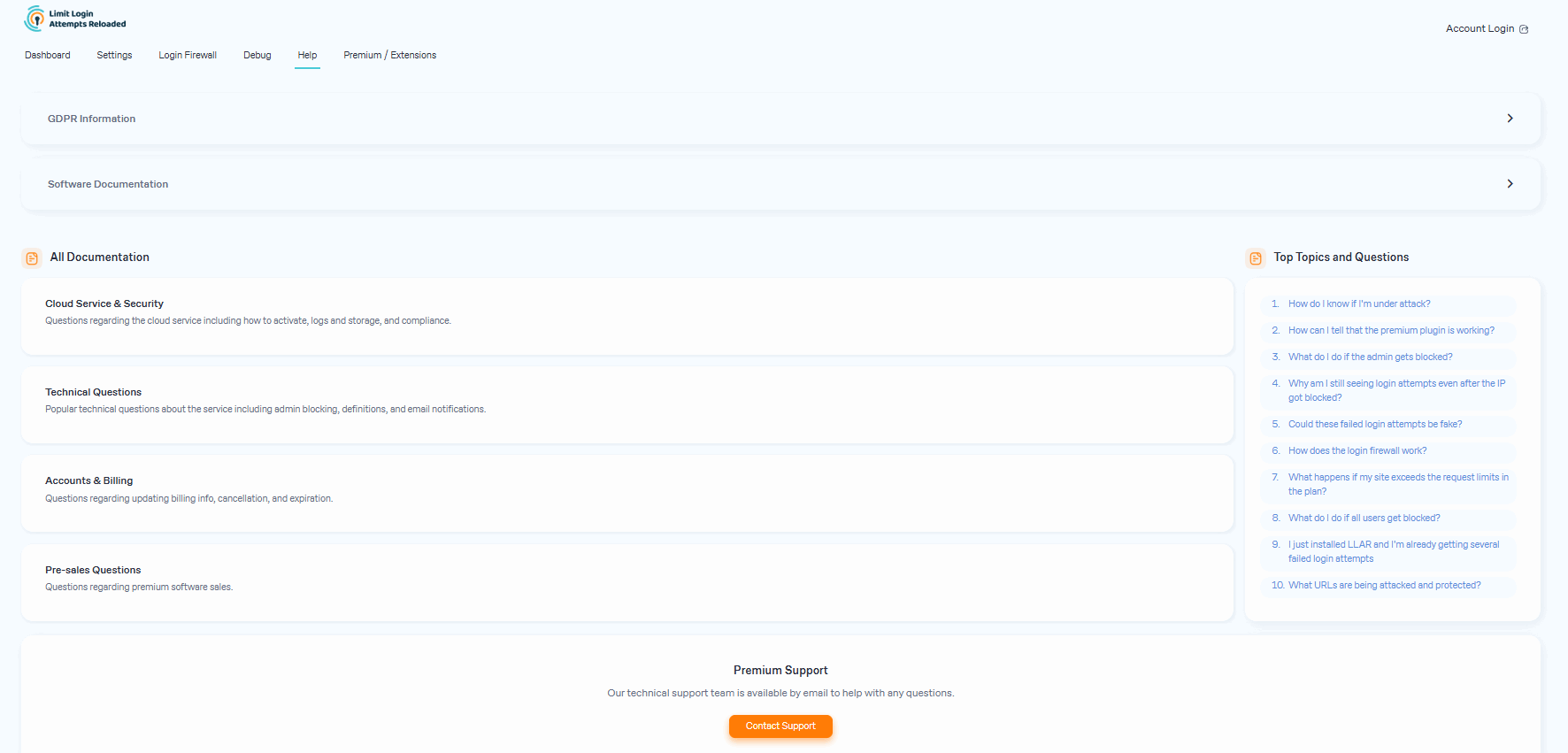
FAQ
¿Qué hago si todos los usuarios quedan bloqueados?
Si utilizas un servicio de alojamiento moderno, es probable que tu sitio web utilice un servicio de dominio proxy como CloudFlare, Sucuri, Nginx, etc. Estos servicios sustituyen la dirección IP de tus usuarios por la suya propia. Si el servidor en el que se aloja tu sitio web no está configurado correctamente (algo que ocurre con frecuencia), todos los usuarios recibirán la misma dirección IP. Esto también se aplica a los bots y a los hackers. Por lo tanto, bloquear a un usuario provocará que se bloquee el acceso a todos los demás. Si el plugin no utiliza nuestra Cloud App, esto se puede ajustar mediante el ajuste de “Trusted IP Origin”. El servicio en la nube reconoce de forma inteligente los orígenes de IP no estándar y los gestiona correctamente, incluso si tu proveedor de alojamiento no lo hace.
¿Cómo sé si estoy sufriendo un ataque?
An easy way to check if the attack is legitimate is to copy the IP address from the lockout notification and check its location using a IP locator tool. If the location is not somewhere you recognize and you have received several failed login attempts, then you are likely being attacked. You might notice dozens or hundreds of IPs each day. Visit our website to learn how can you prevent brute force attacks on your website.
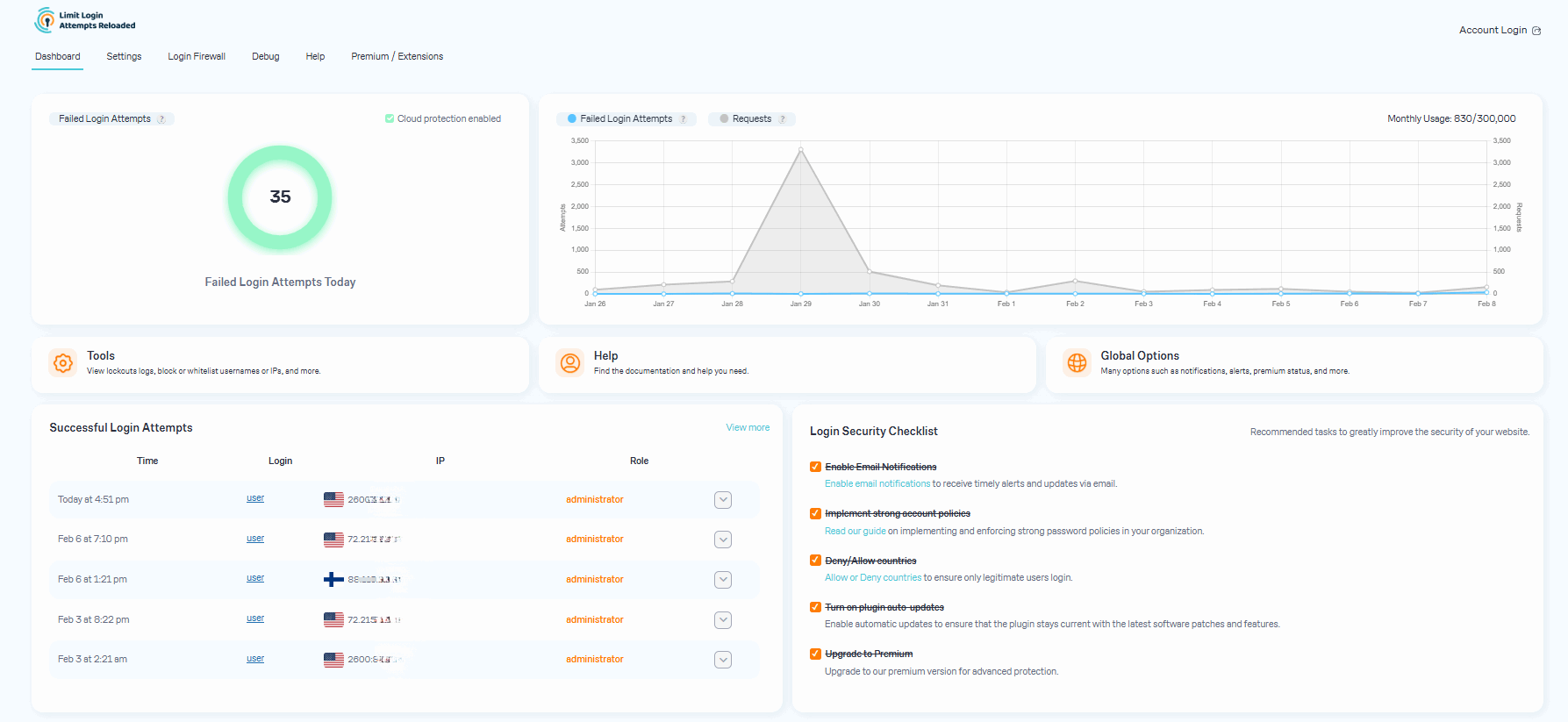
After you upgrade to our premium version, you will see a new dashboard in your WordPress admin that shows all attacks that will now relay through our cloud service. On the graph, you’ll see requests and failed login attempts. Each request will represent the cloud app validating an IP, which also includes denied logins.
In some cases, you may notice an increase in speed and efficiency with your website. Also, a reduction in lockout notifications via email.
¿Podrían ser falsos estos intentos de inicio de sesión fallidos?
Some users find it hard to believe that they could experience numerous unsuccessful login attempts, particularly when their site has just been established or has minimal human traffic. The plugin is not responsible for generating these failed login attempts. Newly created websites are frequently hosted on shared IP addresses, making it easy for hackers to discover them. Additionally, newly registered domain names are often crawled soon after creation, rendering a WordPress website susceptible to attacks. Such websites are attractive targets as security is not a primary concern for their owners. We’ve created an article that delves deeper into the issue of fake login attempts in WordPress.
¿Qué ocurre si mi sitio supera los límites de solicitudes del plan?
The premium plan’s resource limits start from 100,000 requests per month, which should accept almost any heavy brute-force attack. We monitor all of our sites and will alert the user if it appears they are going over their limits. If limits are reached, we will suggest to the user upgrading to the next plan. If you are using the free version, the load caused by brute force attacks will be absorbed by your current hosting bandwidth, which could cause your hosting costs to increase.
¿Qué URL se están atacando y protegiendo?
The URLs being protected are your login page (wp-login.php, wp-admin), xmlrpc.php, WooCommerce login page, and any custom login page you have that uses regular WordPress login hooks.
¿Por qué Limit Login Attempts Security es más popular que otros plugins de protección contra ataques de fuerza bruta?
Our main focus is protecting your site from brute force attacks. This allows our plugin to be very lean and effective. It doesn’t require a lot of your web hosting resources and keeps your site well-protected. More importantly, it does all of this automatically as our service learns on its own about each IP it encounters. In contrast, a firewall would require manual blocking of IPs.
What to do when an admin gets blocked?
Open the site from another IP. You can do this from your cell phone, or using Opera browser and enabling free VPN there. You can also try turning off your router for a few minutes and then see if you get a different IP address. These will work if your hosting server is configured correctly. If that doesn’t work, connect to the site using FTP or your hosting control panel file manager. Navigate to wp-content/plugins/ and rename the limit-login-attempts-reloaded folder. Log in to the site then rename that folder back and whitelist your IP. By upgrading to our premium app, you will have the unlocking functionality right from the cloud so you’ll never have to deal with this issue.
¿Qué ajustes debería usar en el plugin?
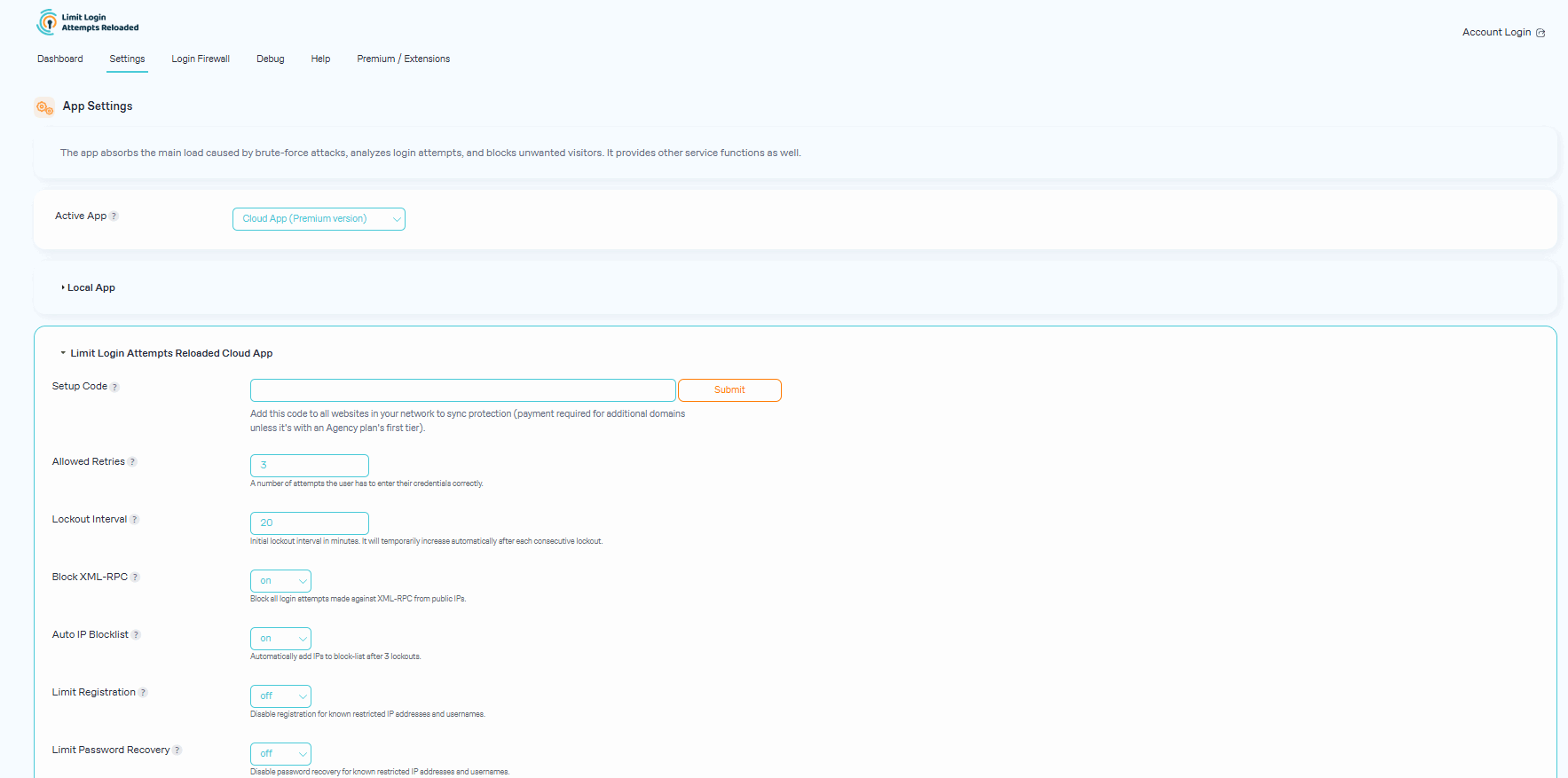
Los ajustes se explican dentro del plugin con gran detalle. Si no estás seguro, utiliza los ajustes por defecto, ya que son los recomendados.
By default, you will need to copy and paste the lists to each site manually. For the premium service, sites are grouped within the same private cloud account. Each site within that group can be configured if it shares its lockouts and access lists with other group members. The setting is located in the plugin’s interface. The default options are recommended.
Reseñas


Colaboradores & Desarrolladores
“Limitación de intentos de inicio de sesión Seguridad – Seguridad de inicio de sesión, autenticación de dos factores, cortafuegos, prevención de ataques de fuerza bruta” es software de código abierto. Las siguientes personas han contribuido a este plugin.
Colaboradores

“Limitación de intentos de inicio de sesión Seguridad – Seguridad de inicio de sesión, autenticación de dos factores, cortafuegos, prevención de ataques de fuerza bruta” ha sido traducido en 38 idiomas. Gracias a los traductores por sus contribuciones.
¿Interesado en el desarrollo?
Revisa el código, echa un vistazo al repositorio SVN, o suscríbete al registro de desarrollo por RSS .
Historial de cambios
3.4.3
- Security: IPv6 addresses in the same /64 now share one lockout, so changing the address ending no longer bypasses the login limit. Thanks to VulnCheck for the report.
- Shortened onboarding to two steps.
3.4.2
- Security: blocked a server-side request forgery (SSRF) in the app setup feature. The setup destination is validated before fetching, and redirects are checked again. Thanks to Viktor Heiduck for the report.
3.4.1
- Two-factor authentication now applies to XML-RPC logins as well as the login form. Thanks to Qi Qin for the report.
- An invalid X-Forwarded-For header no longer stops the two-factor check. Thanks to Naoki Kawahigashi for the report.
- Added an admin notice when the reported PHP version is below the upstream release that fixes critical PHP vulnerabilities. The notice explains that a host or distribution may already have patched PHP without changing the version number, and tells admins to dismiss it instead of opening a support ticket in that case.
3.4.0
- Added a red dot to the admin menu and admin bar when Micro Cloud requests are exhausted.
- Introduced a 7-day free trial with consent-based activation across the plugin.
3.3.10
- Added detection of a cached or optimizer-stripped login page and an admin notice warning that it can break the email code (MFA) login flow.
- Fixed the onboarding Micro Cloud step silently completing on activation errors; it now shows the server error message so users learn when the program is closed or trial is unavailable.
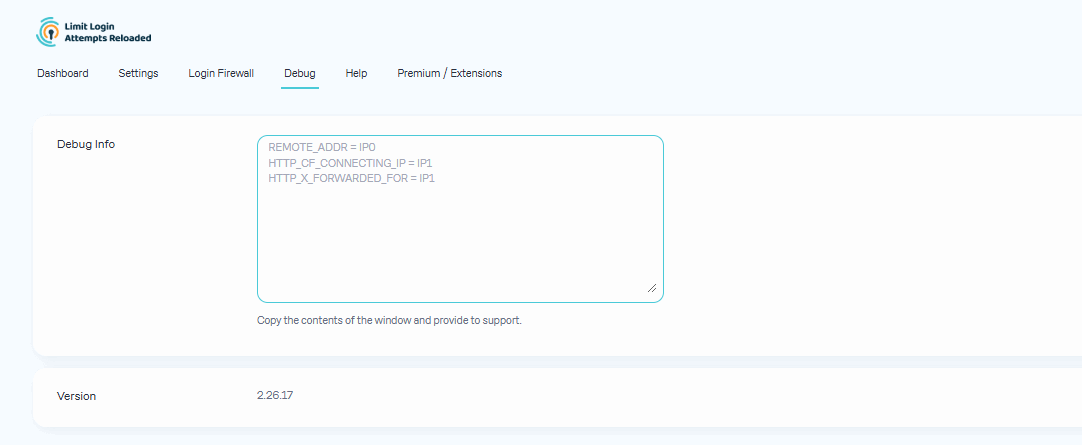
- Added a compatibility table to the Debug tab showing which LLAR features work with popular third-party plugins.
- Redesigned the lockout notification email.
3.3.9
- Reworked the premium tab upgrade CTAs to show plan-specific pricing and adapt the upgrade links to the currently installed plan.
- Added Micro Cloud usage banners that show the monthly requests used and warn when the quota is almost exhausted.
- Updated the lockout notification email with a new premium upgrade call to action.
- Fixed the cloud Active Lockouts widget showing too few lockouts by auto-loading additional pages when a short batch did not fill the list.
- Fixed the local denylist still blocking logins in cloud mode after the cloud ACL allowed them; local rules now apply only as a failover when the cloud ACL is unavailable.
- Fixed WooCommerce customers being unable to register during checkout when cloud registration limiting was enabled; account creation is now allowed during checkout while standalone registration forms stay protected.
3.3.8
- Added Personal and Business plans to the premium comparison table and made the displayed plans adapt to the currently installed plan.
- Aligned dashicons across the logs, premium, ACL and help admin pages for WordPress 7 compatibility.
- Fixed the failed-login page script being blocked under a nonce-based Content Security Policy by printing it with wp_get_inline_script_tag(). Thanks to Oskar Schöldström (@oxyc) for the pull request.
- Fixed the denylist matching the account email when only the username was listed; now the submitted login is matched literally (case-insensitive), while explicit email entries still apply.
3.3.7
- Fixed PHP warnings when a cloud app custom setting is missing the label, description, or value field.
- Added the SameSite=Lax attribute to the login flow cookie for better CSRF protection.
- Fixed dashicons line-height on all admin pages and dashboard widgets for WordPress 7 compatibility.
- Fixed the cloud app setup so it verifies the setup code was saved before activating the custom app, preventing an inconsistent state on storage errors.
- Fixed the review admin notice buttons not working because its inline script was being stripped by output sanitization.
- Fixed the Micro Cloud setup so it surfaces the actual server error message to admins and handles an incomplete app configuration gracefully instead of failing silently.
Earlier versions
For the changelog of earlier versions, please refer to the changelog.txt file.