
Descripción
Crea más rápido en Elementor con más de 90 widgets y extensiones de Elementor, más de 600 plantillas de Elementor prediseñadas, sin escribir código. Premium Addons impulsa más de 600 000 sitios web con el carrusel de Elementor, el mega menú, la lista y el slider de entradas del blog, los widgets de WooCommerce, las condiciones de visualización, la búsqueda AJAX, los testimonios, las tablas de precios y mucho más.
También es la única extensión de Elementor creada para agentes de IA. Conecta Claude, ChatGPT, Cursor, Angie de Elementor o cualquier cliente MCP (Model Context Protocol) y deja que cree páginas en tu sitio real, inserte y personalice todos los widgets y extensiones de Premium Addons y extraiga secciones de la biblioteca de plantillas. Lo conectas con un solo clic mediante OAuth y nunca tocas ninguna clave API.
Consulta las páginas de demostración de widgets y extensiones de Elementor | Mira a los agentes de IA crear páginas de Elementor
Enlaces útiles
Documentación | Tutoriales en video | Grupo de Facebook | Actualizar a Pro
¿Por qué Premium Addons para Elementor?
MCP y habilidades de IA para Elementor: crea páginas de Elementor con Claude, ChatGPT, Cursor o Angie
El servidor MCP de Premium Addons registra habilidades de WordPress y las expone como herramientas MCP, de modo que cualquier agente de IA puede trabajar en tu sitio de Elementor en producción: crear páginas y plantillas, agregar contenedores, insertar cualquier widget o extensión de Premium Addons y configurar cualquiera de sus opciones, leer tus colores globales, fuentes y estilos del tema para diseños coherentes, explorar e insertar las más de 600 plantillas prediseñadas, duplicar páginas, copiar secciones entre sitios, subir medios y gestionar los ajustes del plugin. Con casi cada versión se agregan nuevas habilidades.
La conexión se realiza con un solo clic desde el escritorio de Premium Addons, mediante OAuth o con una contraseña de aplicación, y no hay ninguna clave API que gestionar. El escritorio te guía por la configuración de Claude Desktop, Claude Code, Claude.ai, ChatGPT, Codex, Cursor, VS Code, GitHub Copilot, Windsurf, Cline, Gemini CLI, Antigravity, Kilo Code y OpenCode. Angie de Elementor no necesita ninguna conexión: encuentra los widgets y las plantillas de Premium Addons por sí sola.
Guías de configuración: Conectar ChatGPT a tu sitio web de WordPress/Elementor | Conectar Claude para crear páginas de WordPress/Elementor | Usar Premium Addons con Angie
Mira el video tutorial: conecta Claude, ChatGPT o Cursor y construye páginas de Elementor con las MCP y AI Abilities de Premium Addons.
Constructor de mega menús y menús móviles para Elementor
Crea menús de navegación adaptables y mega menús con cuatro estructuras, plantillas de Elementor dentro de los desplegables, insignias, íconos y docenas de opciones de estilo. Combínalo con el widget de menú móvil para una navegación móvil fuera del lienzo en unos pocos clics. Demo del mega menú | Demo del menú móvil
Widgets de WooCommerce para Elementor
Listado de productos con estructuras de cuadrícula, mampostería y carrusel, listado de categorías, un minicarrito en vivo con barra de progreso de envío gratuito, botones de llamada a la acción de Woo en cualquier parte de la página y condiciones de visualización de WooCommerce para mostrar u ocultar contenido según los datos del carrito y del producto. Demo de los widgets de WooCommerce
Condiciones de visualización de Elementor
Muestra u oculta cualquier contenedor o widget de Elementor según la ubicación, el navegador, el sistema operativo, el dispositivo, el rol de usuario, la fecha y la hora, los parámetros de URL, los campos de ACF, los datos del carrito y de los productos de WooCommerce y mucho más. Demo de las condiciones de visualización
Carrusel de Elementor y carrusel de medios avanzado
Convierte cualquier plantilla de Elementor en un carrusel o slider, o crea un carrusel de medios avanzado a partir de imágenes, videos y plantillas con cuatro estilos de animación y docenas de opciones de navegación, paginación y adaptabilidad. Demo del carrusel | Demo del carrusel de medios avanzado
Más de 600 plantillas de Elementor
Explora, previsualiza e inserta bloques de contenedor y plantillas completas de páginas de destino desde dentro del editor de Elementor con un solo clic, sin exportar ni importar archivos JSON. La biblioteca está disponible tanto en las versiones gratuita y Pro como para tus agentes de IA. Biblioteca de plantillas
Destacados de Pro: tabla, pestañas, efectos de desplazamiento y reseñas para Elementor
Premium Addons PRO adds the widgets our users ask for most: an Elementor table widget with sorting, search and pagination, an Elementor tabs widget in vertical and horizontal layouts, Horizontal Scroll and Multi-Scroll widgets for one-page storytelling, the Magic Scroll addon for scroll-driven animations on any element, and Google, Facebook and Yelp reviews widgets. Table Demo | Tabs Demo | Horizontal Scroll Demo | Magic Scroll Demo
Funciones principales
- Más de 90 widgets y extensiones de Elementor gratuitos y Pro
- Más de 600 plantillas de contenedor y de página completa para Elementor
- Más de 37 capacidades de IA (herramientas MCP) para crear/personalizar páginas de Elementor
- Conexión por OAuth o contraseña de aplicación para 15 clientes de IA, además de Angie
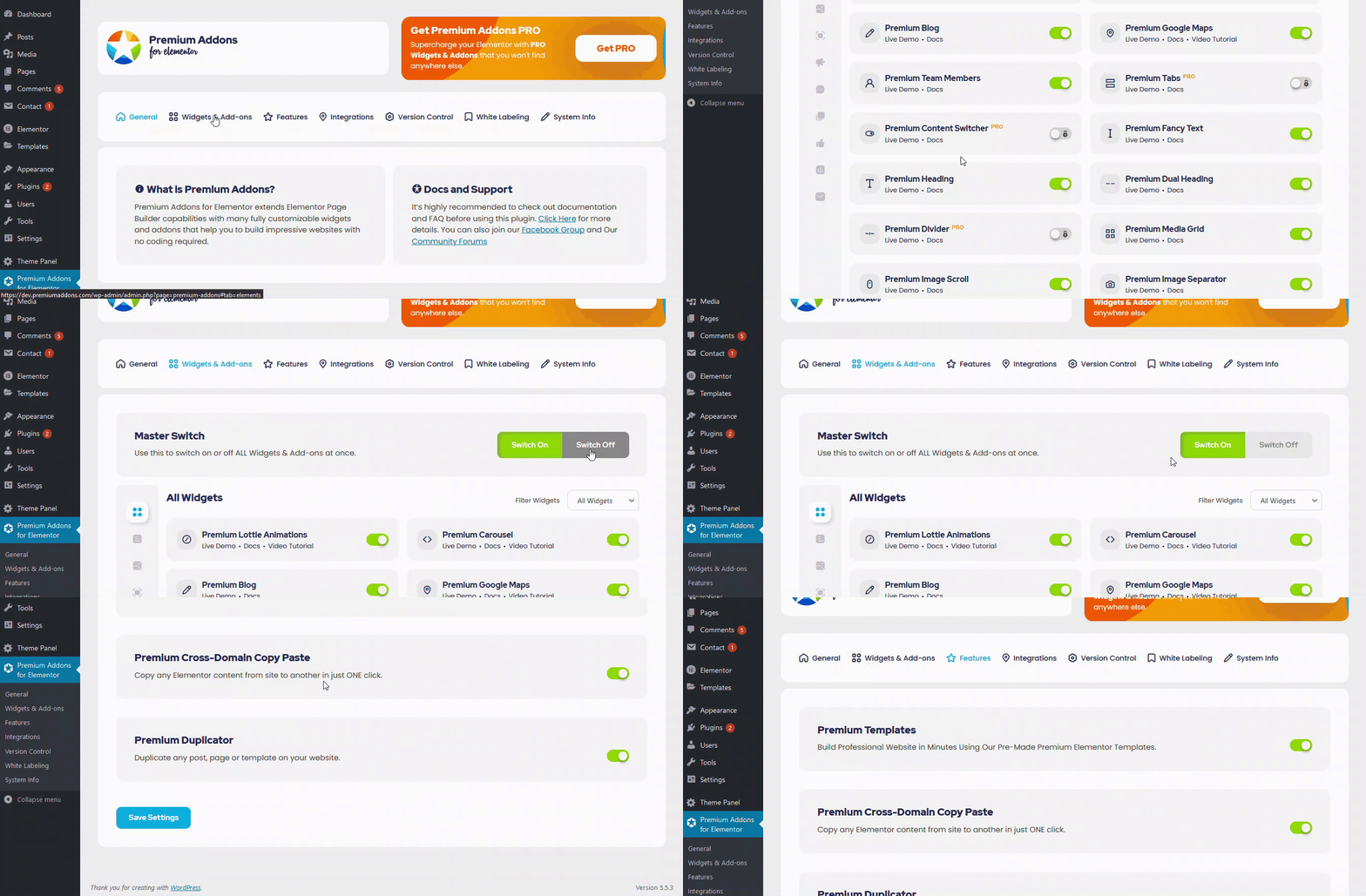
- Modular y ligero, carga solo los elementos que usas
- Widgets de carrusel y de carrusel de medios avanzado
- Constructor de mega menús y menús móviles
- Paquete de widgets de WooCommerce (productos, categorías, minicarrito, CTA de Woo, condiciones de visualización de Woo)
- Paquete de widgets para revistas (listado inteligente de entradas, widget de blog de Elementor, ticker de noticias, tiempo, reloj mundial, nube de etiquetas, notificación de entradas recientes)
- Extensión de condiciones de visualización avanzadas
- Extensión de cristal líquido y glassmorphism al estilo Apple
- Extensión de contenedores con igual altura
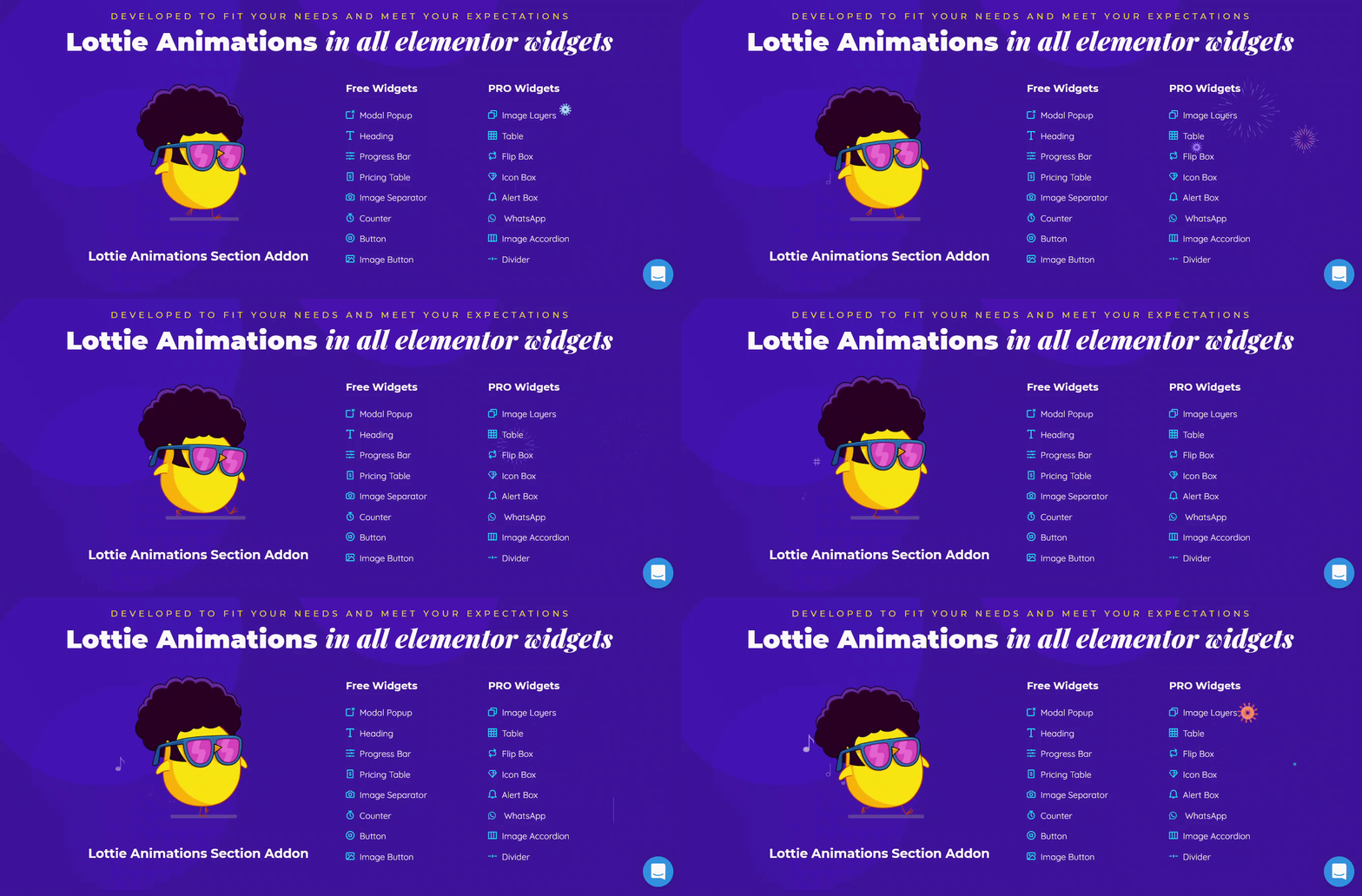
- Animaciones de Lottie en todos los widgets con imagen o ícono
- Copiar y pegar elementos de Elementor entre dominios
- Duplicador de páginas y entradas de Elementor
- 100% compatible con WPML
- Totalmente adaptable y compatible con todos los navegadores
Con la confianza de equipos de Orange, Deloitte, Leica Geosystems, NASA y Hilton
Premium Addons tiene una valoración de 4,9/5 según más de 1600 usuarios en WordPress.org.
“La actitud del soporte superó mi imaginación. Tenía muchas preguntas, a veces puede resultar molesto, pero acertaron en cada pregunta e intentaron resolverlo lo más rápido posible. Recomiendo a todo el mundo que se sienta libre de usar esta extensión y experimentarla por sí mismo”.
“Uso estos widgets en todos mis proyectos de Elementor y son de una ayuda inestimable. Rara vez me encuentro con un widget que no funcione, y todo el conjunto de widgets es muy bueno teniendo en cuenta las muchas actualizaciones de Elementor que tienen que seguir”.
“Estoy muy contento con este plugin y las funciones que ofrece. Tuve algunos problemas en mi sitio web, pero el equipo de soporte me ayudó muy bien. Respondieron a mi ticket de soporte al instante y los problemas se resolvieron muy rápido. Un gran servicio y un gran plugin”.
De las reseñas de 5 estrellas en WordPress.org.
Widgets y complementos para Elementor incluidos
Cómo funcionan las etiquetas: los widgets y extensiones (FREE) se pueden usar por completo en el plugin gratuito; algunos de ellos desbloquean máscaras, fuentes u opciones adicionales con Pro. Los widgets y extensiones (PRO) solo están disponibles en Premium Addons PRO. La biblioteca de plantillas y las habilidades de IA funcionan en ambas versiones.
Widgets de contenido
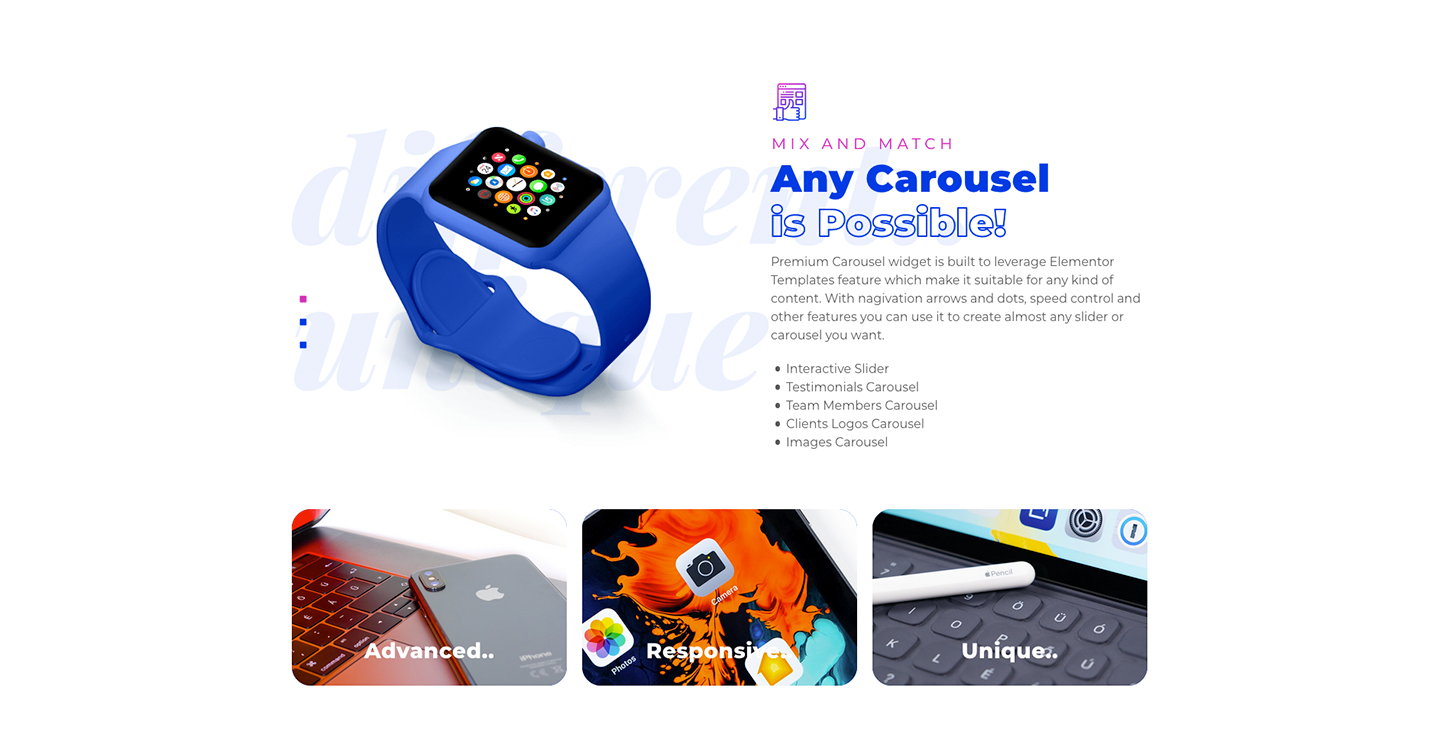
- Widget de carrusel (GRATUITO): crea un deslizador de cualquier contenido de Elementor.
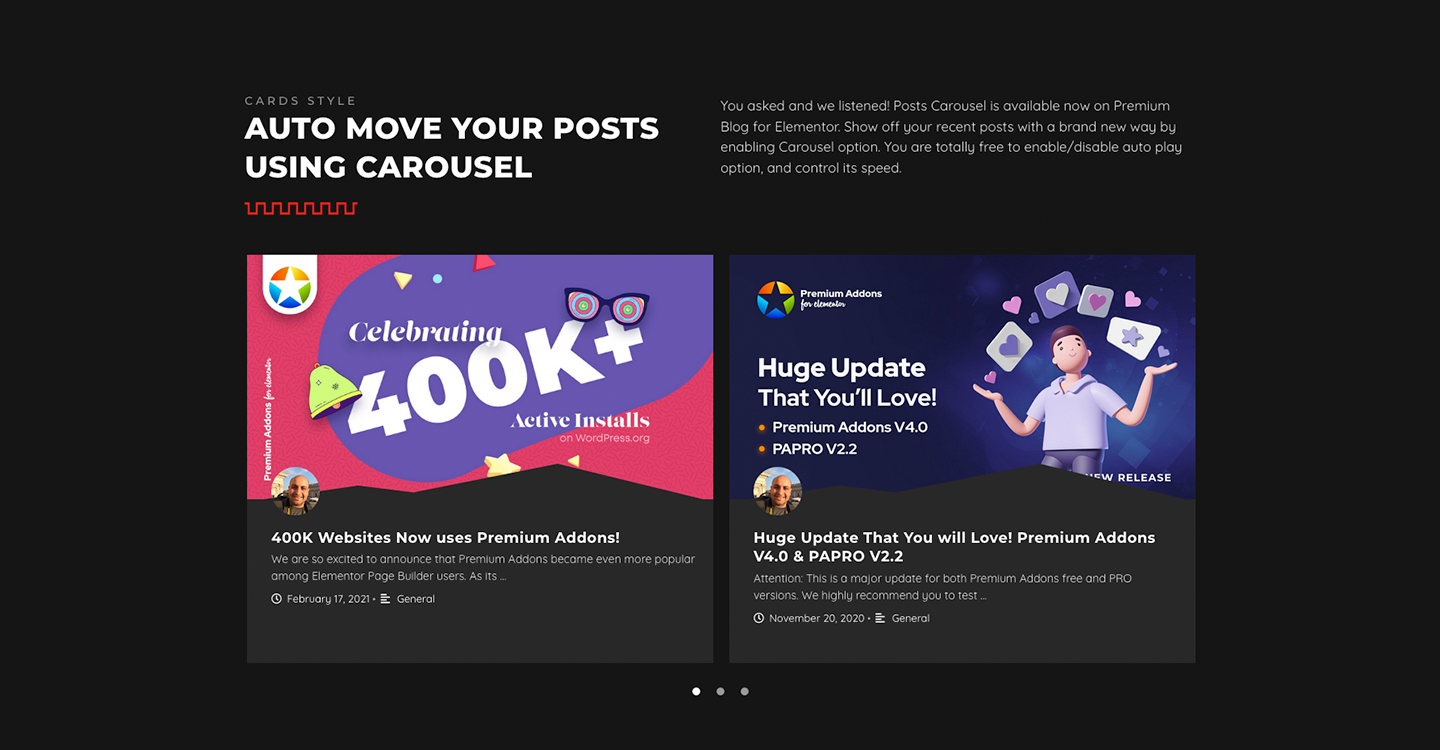
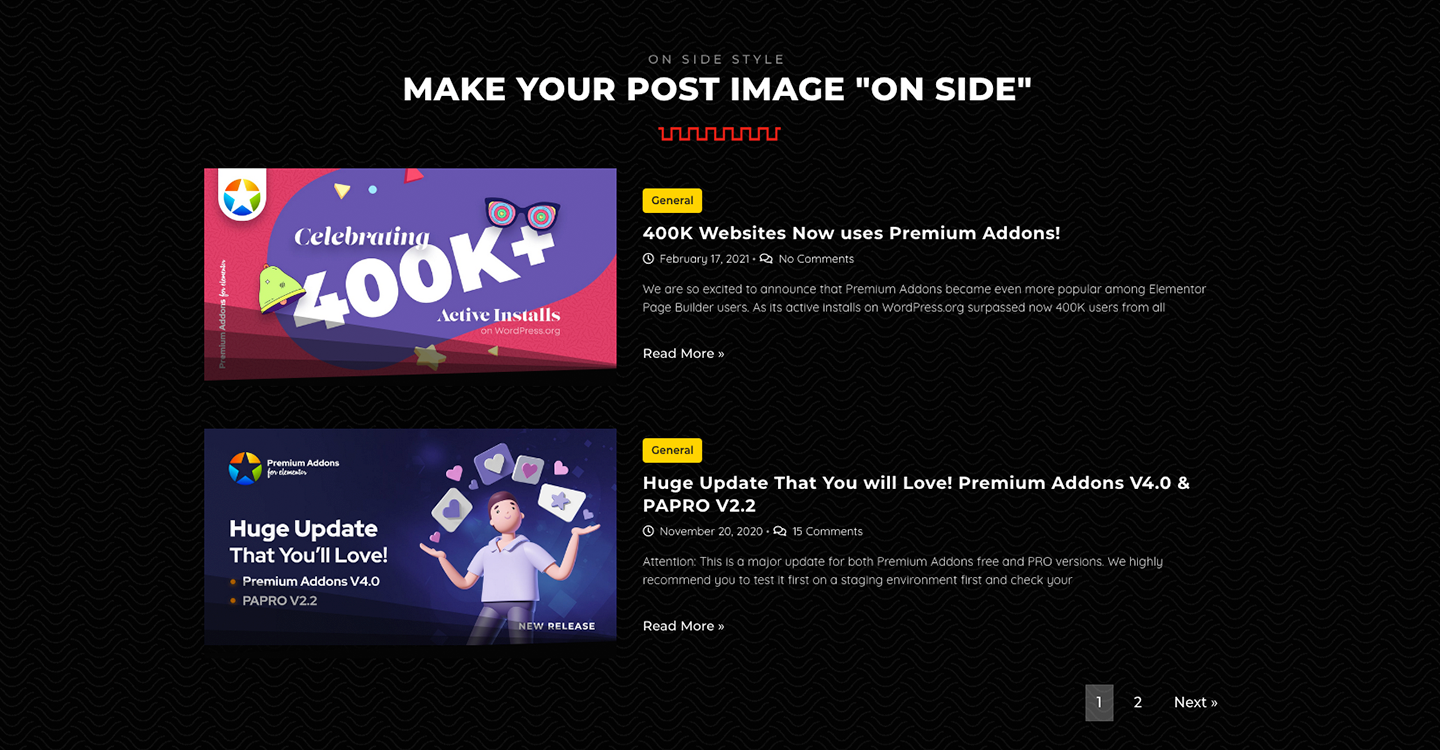
- Widget de blog (GRATUITO): muestra entradas o cualquier tipo de contenido personalizado en 5 aspectos elegantes.
- Widget de mega menú (FREE): navegación adaptable y mega menús en cuatro estructuras.
- Widget de menú móvil (FREE): crea un menú móvil fuera del lienzo en unos pocos clics.
- Widget de búsqueda AJAX (GRATUITO): agrega un formulario de búsqueda a tu sitio web con una consulta de búsqueda personalizada.
- Widget inteligente de listado de entradas (PRO): crea cualquier estructura de cuadrícula para entradas o tipos de entrada personalizados.
- Widget de reloj mundial (FREE): muestra relojes analógicos o digitales de cualquier zona horaria.
- Widget del tiempo (FREE): muestra un pronóstico del tiempo por ciudad o coordenadas en tres estructuras.
- Widget de ticker de noticias (FREE): desplaza entradas, precios del oro, de acciones o de divisas en cuatro estructuras.
- Widget de vitrina textual (FREE): anima texto con imágenes, íconos, dibujo SVG y Lottie para encabezados llamativos.
- Widget de nube de etiquetas (GRATUITO): muestra etiquetas y categorías como nube, esfera o etiquetadas.
- Widget de notificación de entradas recientes (GRATUITO): este widget te ayuda a mostrar un ícono de notificación en tu sitio web para mostrar las últimas entradas que los usuarios de tu sitio no han visto todavía.
- Widget de Google Maps (GRATUITO): el widget avanzado de Google Maps viene con funciones como agregar múltiples marcadores, aspectos personalizados y muchas más opciones.
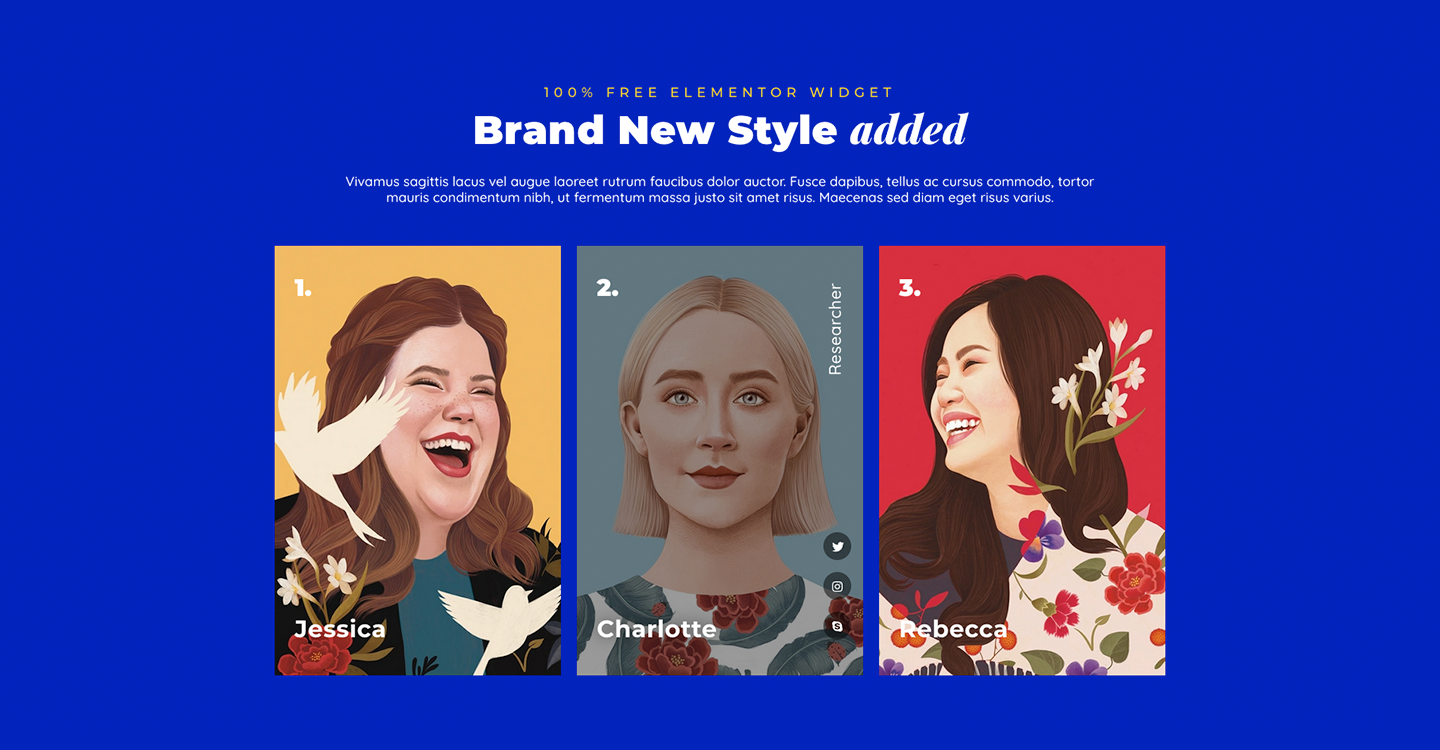
- Widget de miembros del equipo (FREE): lista los miembros del equipo con muchas opciones de personalización.
- Widget de pestañas (PRO): crea pestañas verticales y horizontales con toneladas de funciones de estilo.
- Alternador de contenido (PRO): presenta múltiples contenidos de forma inteligente.
- Widget de texto animado (GRATUITO): el widget de texto elegante animado viene con opciones muy útiles para ayudarte a crear mensajes de marketing atractivos.
- Widget de titular (GRATUITO): el widget de titular tiene muchas opciones de personalización y estilos de titular prediseñados.
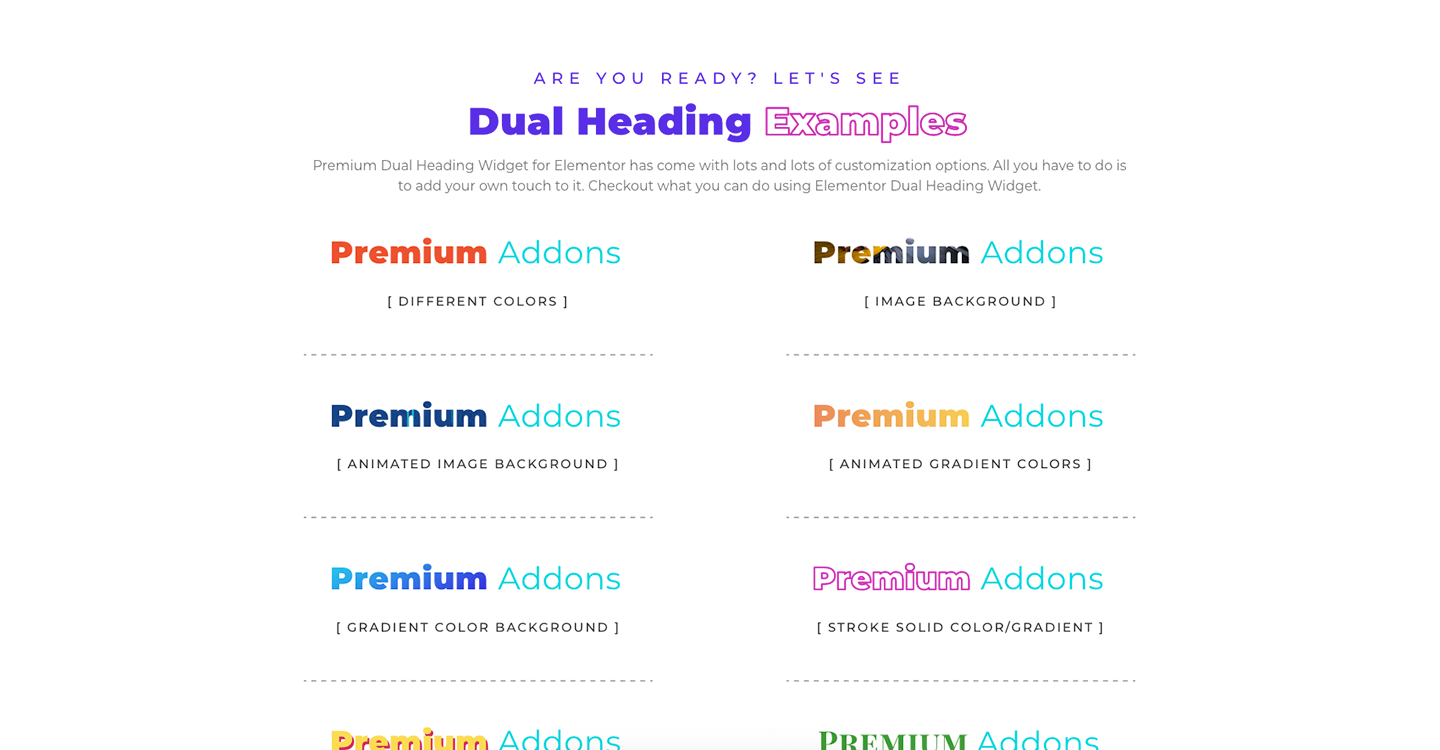
- Widget de título doble (GRATUITO): crea un titular con 2 estilos únicos diferentes.
Widgets de imagen y video
- Widget de logotipo del sitio (PRO): logotipo a partir de una imagen, SVG o animación de Lottie con muchas opciones.
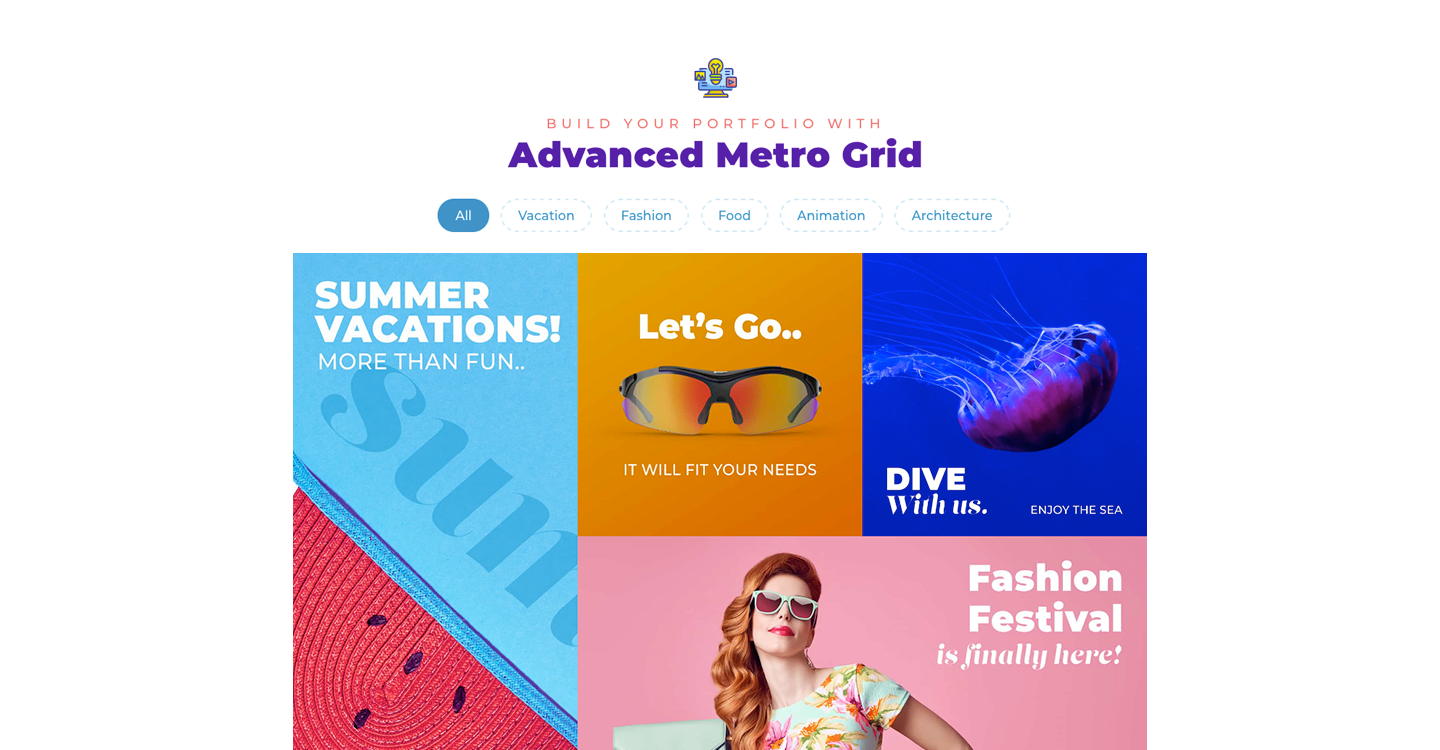
- Widget de galería de medios (FREE): galerías de imágenes y portafolios personalizables.
- Widget de carrusel multimedia avanzado (GRATUITO): crea un carrusel avanzado usando imágenes, videos o plantillas de Elementor.
- Widget de desplazamiento de imagen (GRATUITO): te permite representar tus imágenes de una forma nueva y atractiva.
- Widget de comparación de imágenes (PRO): crea comparaciones de imágenes verticales u horizontales fácilmente usando este increíble widget.
- Widget de puntos calientes en imágenes (PRO): puntos calientes dibujados a mano alzada sobre imágenes y colocados con arrastrar y soltar.
- Widget de capas de imagen (PRO): combina imágenes, animaciones Lottie y textos.
- Widget de acordeón de imágenes (PRO): acordeones de imágenes verticales u horizontales.
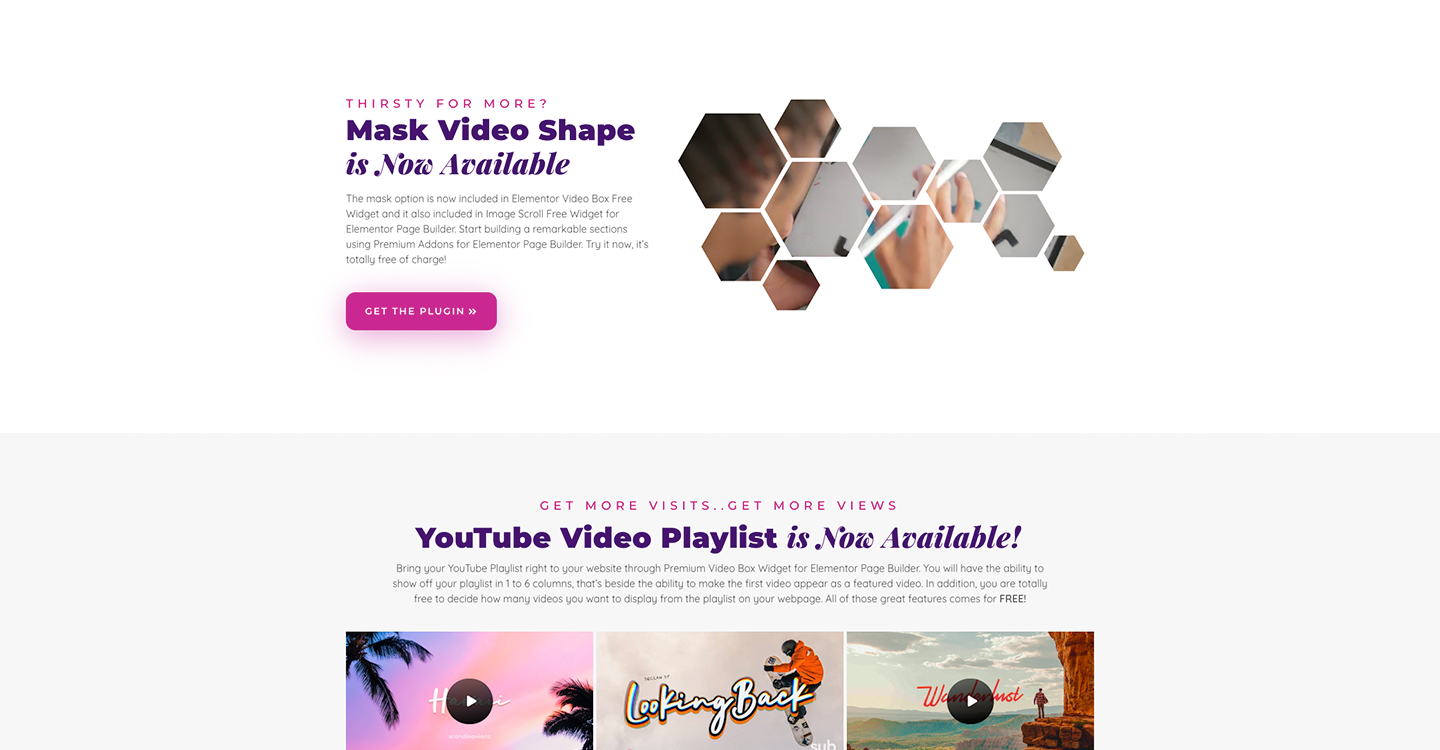
- Widget de caja de video (FREE): videos de YouTube, Vimeo, Dailymotion o alojados por ti con muchas opciones.
Complementos y widgets para contenedores
- Widget de desplazamiento horizontal (PRO): crea sitios web con desplazamiento horizontal con solo unos clics.
- Vertical Scroll Widget (FREE): crea páginas de desplazamiento vertical bonitas con opciones de control adaptativo avanzadas usando el widget de desplazamiento vertical Premium.
- Background Transition Widget (PRO): crea páginas web elegantes, coloridas y llamativas.
- Widget de desplazamiento múltiple (PRO): crea atractivos efectos de desplazamiento múltiple.
- Extensión de condiciones de visualización (FREE): muestra u oculta cualquier contenedor o widget según la ubicación, el navegador, el dispositivo, el rol de usuario, la fecha, los parámetros de URL y mucho más.
- Extensión de cristal líquido (FREE): aplica seis efectos de cristal líquido y glassmorphism a cualquier widget o contenedor.
- Extensión de igual altura (FREE): iguala la altura de contenedores, widgets o cualquier selector con un solo clic.
- Extensión de enlace envoltorio (FREE): haz que cualquier contenedor o widget sea clicable con un enlace.
- Extensión de efectos flotantes (FREE): agrega animaciones flotantes de traslación, rotación y escala a cualquier elemento.
- Complemento global de cursor personalizado (PRO): agrega un cursor personalizado a cualquier contenedor o widget.
- Magic Scroll Global Addon (PRO): animaciones de desplazamiento para cualquier widget con control total de la escena.
- Extensión de separador de formas animado (FREE): separadores de contenedor animados de una biblioteca o con tu propio SVG.
- Complemento global de tooltips (GRATUITO): agrega un ícono, imagen, animación Lottie o plantilla de Elementor como tooltip para cualquier elemento contenedor de Elementor.
- Complemento global de insignia (PRO): agrega un ícono, imagen, animación Lottie o insignia con forma de gota SVG a cualquier contenedor.
- Generador de gotas animadas (PRO): agrega múltiples capas de gotas animadas a tus contenedores con una amplia gama de opciones de personalización inteligentes.
- Complemento de contenedor de animaciones Lottie (PRO): agrega múltiples animaciones Lottie fácilmente a cualquier contenedor con muchas opciones de personalización e interactividad.
- Extensión de contenedor con parallax (PRO): fondos de contenedor con parallax con diseño a mano alzada y muchos estilos.
- Particles Container Addon (PRO): crea fondos de partículas llamativos con muchas opciones de personalización.
- Animated Gradient Container Addon (PRO): efecto de degradados animados sutiles que hace que tus fondos sean atractivos.
- Complemento de contenedor Ken Burns (PRO): agrega múltiples imágenes al fondo de tu contenedor y anímalas con el popular efecto Ken Burns.
Widgets fuera de la cuadícula
- Widget de caja modal (GRATUITO): widget de caja modal para todo uso con la capacidad de usar plantillas de Elementor y muchas otras opciones.
- Widget de cuadro de alerta (PRO): ventanas emergentes, alertas del RGPD y avisos.
- Widget fuera del lienzo (PRO): otro widget fuera del lienzo que te permite deslizar un contenedor desde cualquier dirección con un desencadenante.
- Widget de ventana de previsualización (PRO): una forma muy inteligente de mostrar más datos en menos área de contenido.
Widgets y extensión de WooCommerce para Elementor
- Listado de productos de Woo (GRATUITO): muestra tus productos de WooCommerce en diseños de cuadrícula, mampostería o carrusel personalizables con controles de consulta flexibles y aspectos prediseñados.
- Listado de categorías de Woo (GRATUITO): muestra las categorías de productos de WooCommerce en diseños de cuadrícula o carrusel elegantes con control total sobre el filtrado y el diseño.
- Woo CTA (GRATUITO): agrega botones de “Agregar al carrito”, lista de deseos o comparar bellamente diseñados en cualquier lugar de tus páginas de producto para aumentar las conversiones.
- Minicarrito de Woo (FREE): minicarrito en vivo con opciones de estilo y una barra de progreso de envío gratuito.
- Condiciones de visualización para Woo (PRO): muestra u oculta cualquier contenido de Elementor basándote en condiciones de WooCommerce como artículos del carrito, categorías de productos, inventario, perfil de usuario y más.
Widgets de reseñas sociales y testimonios
- Widget de testimonios (FREE): testimonios modernos; combínalo con el widget de carrusel para tener un slider de testimonios.
- Widget de reseñas de Facebook (PRO): este widget te permite mostrar tus reseñas de Facebook en tu sitio web.
- Widget de reseñas de Google (PRO): muestra las últimas reseñas de Google de tu negocio directamente en tu página web.
- Widget de reseñas de Yelp (PRO): muestra las reseñas de Yelp de tu negocio en las páginas de tu sitio web con este útil widget.
Widgets de presentación y llamada a la acción
- Widget de lista con viñetas (GRATUITO): crea una lista con viñetas usando íconos, imágenes y etiquetas de texto junto a animaciones Lottie.
- Widget de cuenta atrás (FREE): crea urgencia para eventos, rebajas y páginas de próximamente.
- Widget de banner (GRATUITO): el widget de banner animado e interactivo viene con múltiples estilos y funciones de personalización.
- Widget de botón (GRATUITO): el widget de botón avanzado viene con muchas animaciones interactivas, opciones de estilo y opción de evento onClick.
- Widget de botón con imagen (FREE): una llamada a la acción creativa basada en una imagen.
- Widget de caja 3D con efecto hover (PRO): incluye 8 geniales efectos 3D interactivos.
- Widget de caja de íconos (PRO): un widget avanzado de caja de íconos con infinitas opciones de personalización.
- Widget iHover (PRO): el popular widget iHover con varias animaciones interactivas y opciones de estilo.
- Widget de despliegue (PRO): ajusta texto largo en un área pequeña con un efecto de despliegue.
Widgets de feed social
- Widget de feed de Pinterest (GRATUITO): obtén pines y tableros de tu cuenta de Pinterest y muéstralos en tu sitio web. Elige entre tres diseños y cuatro aspectos.
- Widget de feed de TikTok (FREE): feed de TikTok con filtrado, tres estructuras y tres máscaras.
- Widget de feed de Facebook (PRO): muestra tu feed de Facebook directamente dentro de tu sitio web.
- Widget de feed de Twitter (PRO): muestra tu feed de Twitter en las páginas de tu sitio web.
- Widget de feed de Instagram (PRO): muestra tus fotos de Instagram directamente en tu página web.
- Widget de feed de Behance (PRO): muestra tus increíbles proyectos de portafolio usando el widget de feed de Behance.
Widgets de tablas, gráficos y cualquier dato
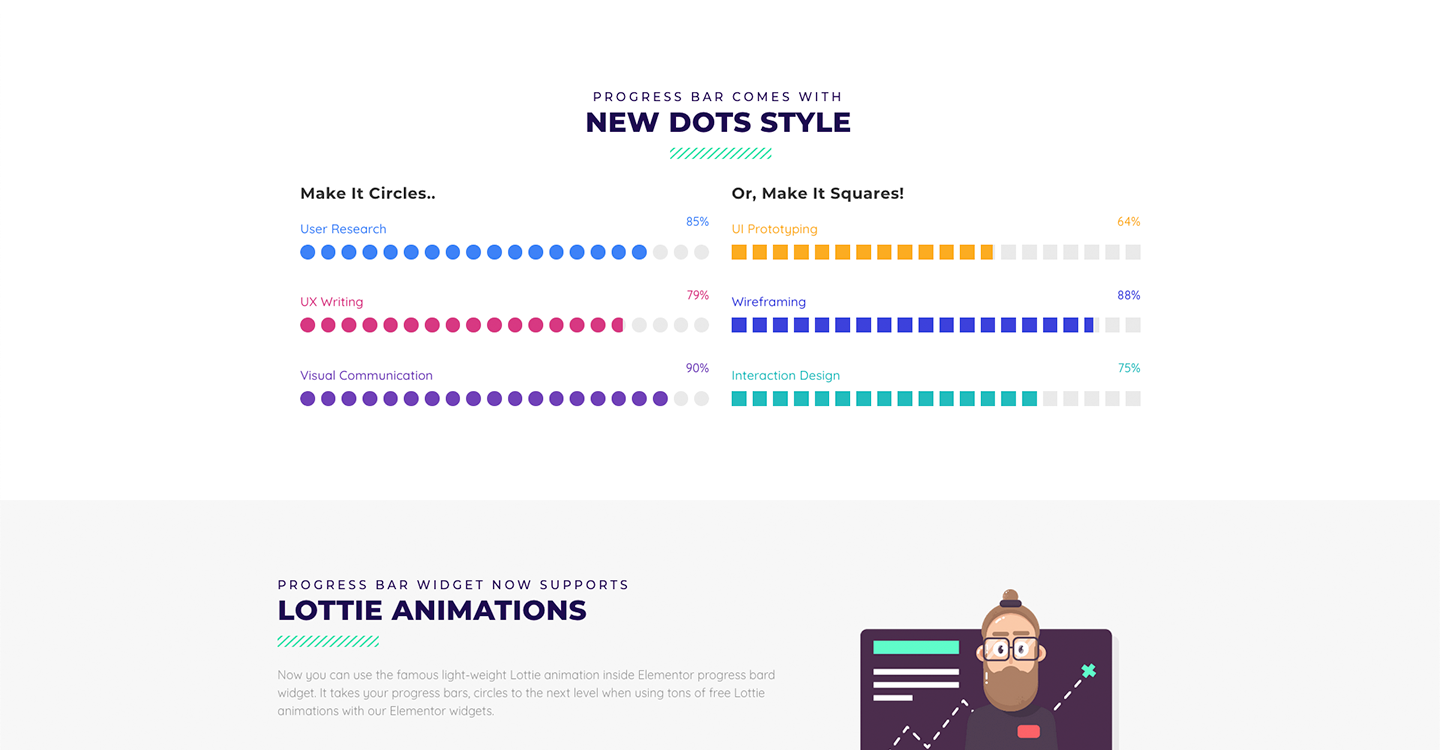
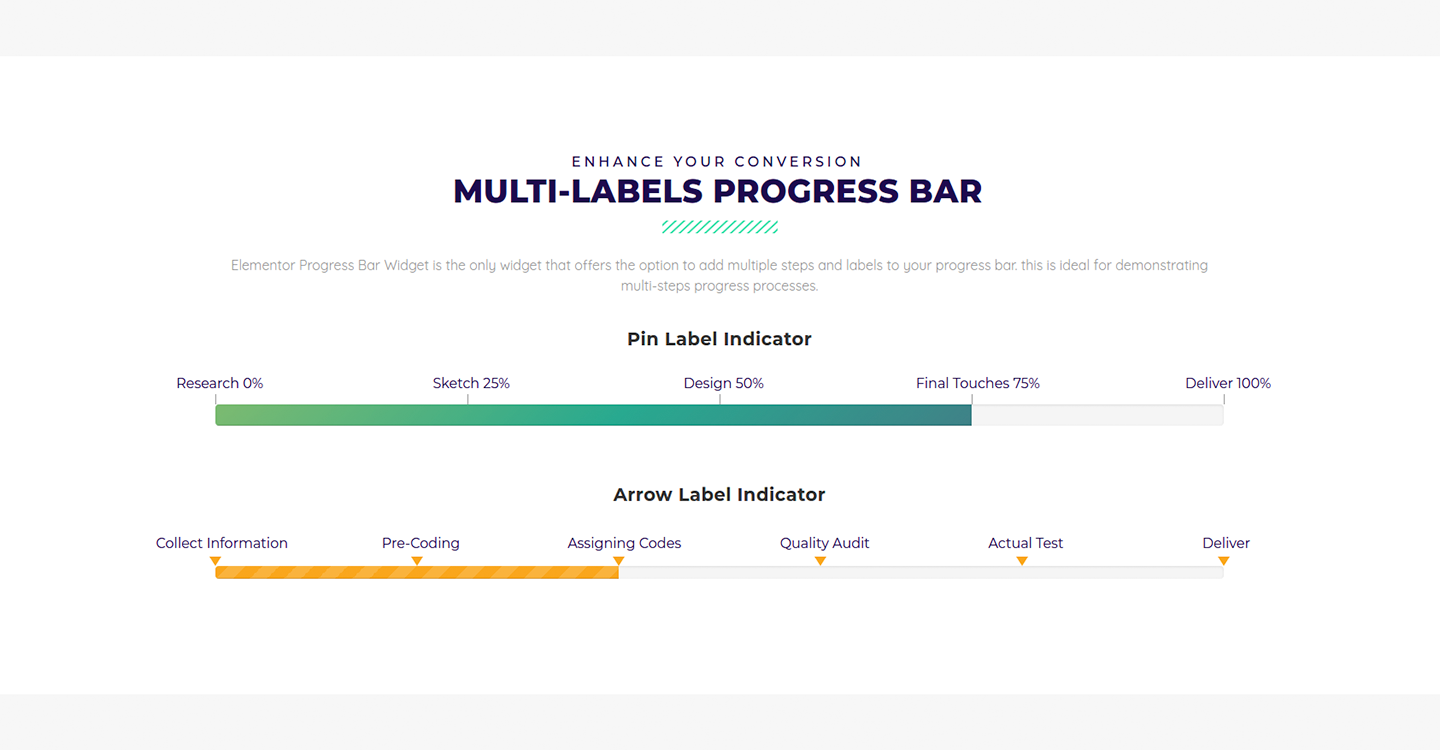
- Widget de barra de progreso (GRATUITO): el widget de barra de progreso más avanzado viene con la opción de múltiples etiquetas.
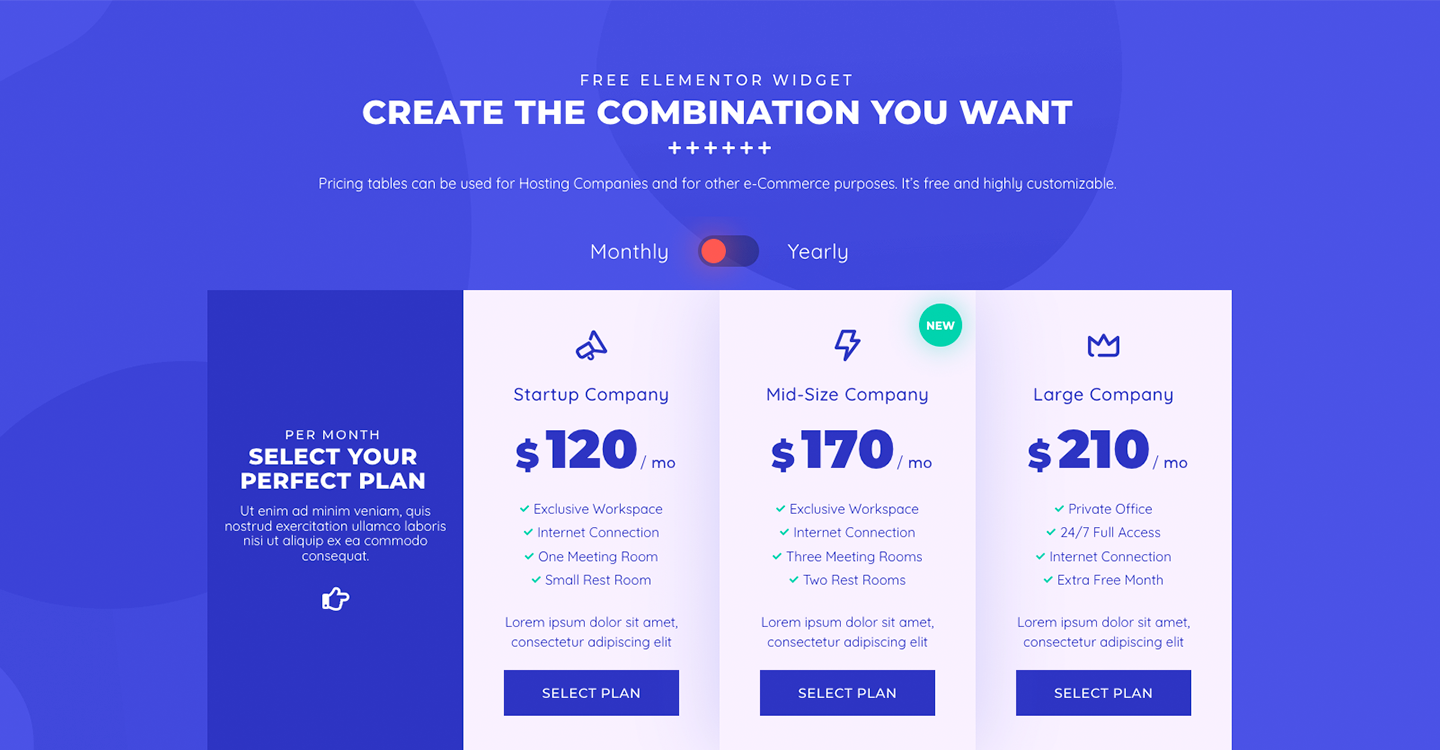
- Widget de tabla de precios (GRATUITO): widget de tabla de precios altamente personalizable con toneladas de opciones de estilo.
- Widget de gráficos (PRO): gráficos de líneas, barras, anillos, radar y muchos más tipos.
- Widget de tablas (PRO): crea tablas sofisticadas con opciones de estilo e interactividad únicas.
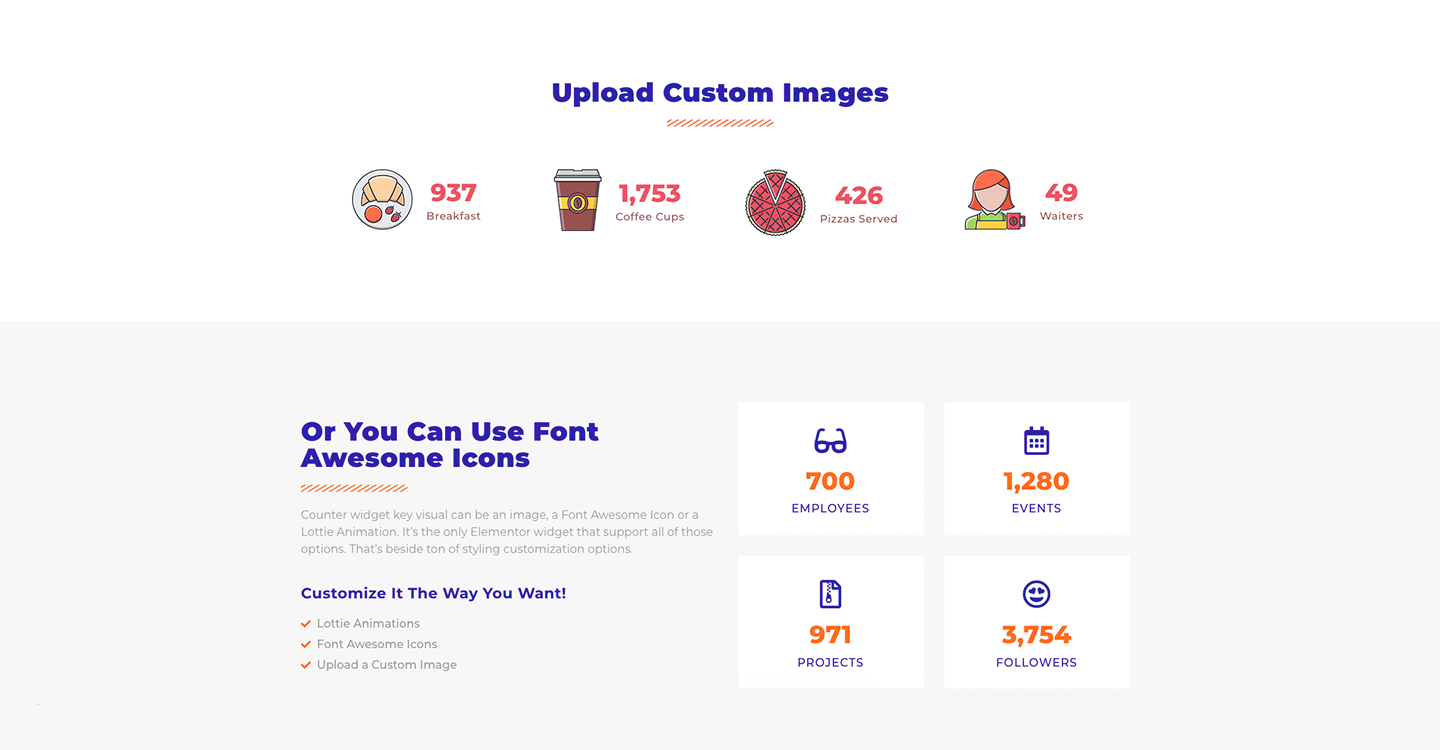
- Widget de contador (GRATUITO): muestra tus datos y cifras con el widget de contador.
Widgets de contacto
- Widget de Contact Form 7 (GRATUITO): incluye formularios de contacto en tu página de contacto usando el widget de Contact Form 7.
- Widget de chat de WhatsApp (PRO): recibe mensajes instantáneos de WhatsApp directamente de los visitantes de tu sitio web.
Widgets de diseño
- Widget de divisor (PRO): diseña divisores bonitos con este widget único.
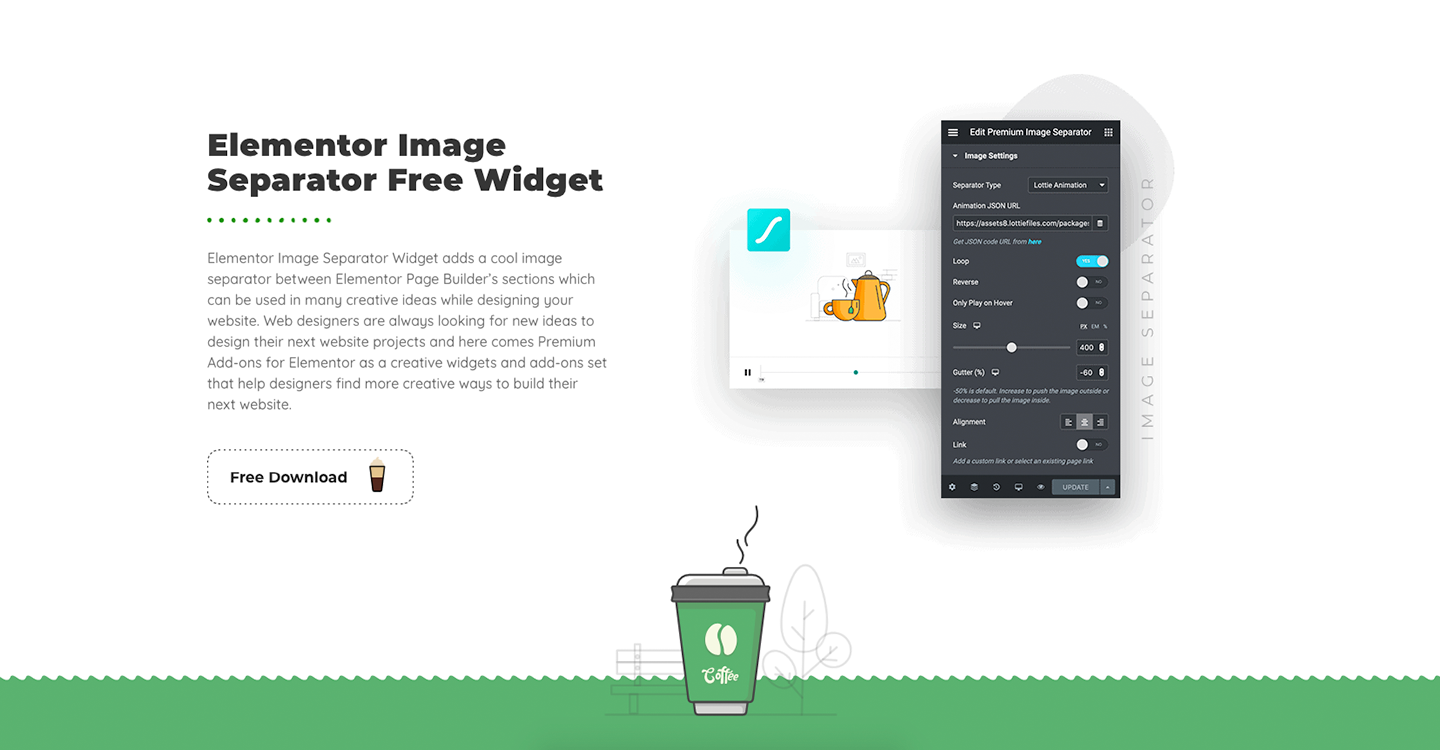
- Widget de separador de imagen (GRATUITO): agrega un separador de imagen entre contenedores con este práctico widget totalmente adaptable.
Soporte y documentación
- Documentación busca aquí primero si necesitas saber cómo funciona un widget o una función o …
¿Necesitas más? Consulta Premium Addons PRO.
¿Te gusta Premium Addons? Valóranos en WordPress.org 🙂
Capturas de pantalla
Instalación
- Instala y activa el plugin gratuito Elementor. Premium Addons solo funciona con Elementor.
- Sube el plugin a
/wp-content/plugins/o instálalo desde la pantalla de plugins de WordPress, y luego actívalo. - Encontrarás los widgets en la categoría “Premium Addons” del panel del editor de Elementor, y el botón de la biblioteca de plantillas en cualquier contenedor.
- Para conectar un agente de IA, abre Premium Addons > MCP Config & AI Abilities, activa las habilidades de IA y sigue los pasos de configuración de tu cliente (requiere WordPress 6.9 o superior).
FAQ
-
No. Premium Addons for Elementor amplía el constructor de páginas Elementor y no se puede usar sin tener Elementor instalado.
-
El plugin gratuito de Elementor es suficiente. Todos los widgets, extensiones, plantillas y habilidades de IA de Premium Addons funcionan con Elementor Free, y todo también funciona con Elementor Pro.
-
¿Funciona con cualquier tema de WordPress?
-
Sí, funcionará con cualquier tema de WordPress siempre que utilices Elementor como maquetador de páginas.
-
Cualquier cliente MCP (Model Context Protocol). El escritorio incluye la configuración paso a paso para Claude Desktop, Claude Code, Claude.ai, ChatGPT, Codex, Cursor, VS Code, GitHub Copilot, Windsurf, Cline, Gemini CLI, Antigravity, Kilo Code y OpenCode. El plugin Angie de Elementor no necesita configuración de conexión: encuentra Premium Addons por sí solo.
-
¿Cómo funciona la conexión MCP y es segura?
-
Premium Addons ejecuta un servidor MCP en tu sitio, construido sobre la API de habilidades de WordPress y el adaptador MCP oficial de WordPress. Conectas un cliente con OAuth en un solo clic o con una contraseña de aplicación, y cada acción se ejecuta bajo tu propio usuario de WordPress y sus permisos. No hay ninguna clave API que guardar ni ningún servicio de terceros de por medio.
-
Sí. Angie descubre los widgets, extensiones y la biblioteca de plantillas de Premium Addons a través de la API WordPress Abilities, por lo que puedes pedirle a Angie que construya páginas con elementos de Premium Addons. Lee la guía de Angie.
-
¿Qué versión de WordPress necesitan las habilidades de IA?
-
AI Abilities y el servidor MCP necesitan WordPress 6.9 o superior, que incluye la Abilities API. Todo lo demás en Premium Addons funciona desde WordPress 6.6.
-
No. Premium Addons es modular: puedes activar solo los widgets y extensiones que uses, y solo se cargan los recursos requeridos por los elementos de una página. Premium Addons también está 100% libre de anuncios.
-
¿Qué diferencia hay entre los widgets gratuitos, Pro y freemium?
-
Los widgets y extensiones gratuitos son totalmente utilizables en el plugin gratuito. Algunos son freemium: el widget en sí es gratis, y Pro desbloquea estilos adicionales, fuentes de contenido u opciones dentro de él. Los widgets y extensiones Pro solo existen en Premium Addons PRO, que también incluye las plantillas Pro y permite a los agentes de IA insertar widgets de Elementor de terceros. La biblioteca de plantillas y las capacidades de IA están disponibles en ambas versiones.
-
Sí. La versión gratuita incluye los widgets Woo Products Listing, Woo Categories Listing, Woo Mini Cart y Woo CTA, y Pro agrega WooCommerce Display Conditions.
-
Un panel del editor de Elementor que no se carga casi siempre es un límite de memoria de PHP o un conflicto de plugins. Sigue esta guía para resolverlo en unos minutos.
-
¿Cómo puedo informar de errores de seguridad?
-
Puedes informar de errores de seguridad a través del Programa de divulgación de vulnerabilidades de Patchstack. El equipo de Patchstack ayuda a validar, clasificar y gestionar cualquier vulnerabilidad de seguridad. Informar de una vulnerabilidad de seguridad.
Reseñas


Colaboradores & Desarrolladores
“Premium Addons for Elementor – AI-Ready Elementor Addons, Widgets & Templates” es software de código abierto. Las siguientes personas han contribuido a este plugin.
Colaboradores

“Premium Addons for Elementor – AI-Ready Elementor Addons, Widgets & Templates” ha sido traducido en 21 idiomas. Gracias a los traductores por sus contribuciones.
Traduce “Premium Addons for Elementor – AI-Ready Elementor Addons, Widgets & Templates” a tu idioma.
¿Interesado en el desarrollo?
Revisa el código, echa un vistazo al repositorio SVN, o suscríbete al registro de desarrollo por RSS .
Historial de cambios
4.11.117 – 26/10/2026
- Tweak: Upload Media AI ability can now upload files from the AI agent’s computer, not only public URLs.
- Fixed: Mega Menu dropdown closing while moving the cursor from a menu item to its mega content.
- Fixed: “Undefined array key” warning showing above Shape Divider addon on the frontend.
- Fixed: Improved code security enforcement in Upload Media AI ability.
4.11.116 – 23/10/2026
- Tweak: Headroom and Flipster scripts now load in the footer for better page performance in Mega Menu and Media Wheel widgets.
- Fixed: “Purchased” option not working as expected in WooCommerce Category display condition.
- Fixed: Improved code security enforcement.
4.11.115 – 22/10/2026
- Tweak: Upload Media AI ability now supports videos.
- Fixed: Elementor MCP widget schema tools failing when Carousel, Media Wheel, Modal Box or Vertical Scroll widgets are enabled.
- Fixed: Icons overlapping the Load More button in Media Grid widget.
4.11.114 – 19/10/2026
- Tweak: Added Slides Direction option to Carousel widget.
- Tweak: Improved editor performance by loading Isotope and Luxon libraries only when they’re used on the page.
- Tweak: Improved editor performance for Display Conditions, Shape Divider and Wrapper Link addons.
- Fixed: Vertical navigation arrows not centered in Carousel widget.
- Fixed: Headline height jumping while typing in Animated Text widget when cursor is hidden.
- Fixed: Space between titles removed in Dual Heading widget when Minimal mask animation is enabled.
- Fixed: Equal Height addon slowing down the editor after editing the element multiple times.
- Fixed: Shape Divider not adjusting on window resize when multiple dividers are used on the same page.
4.11.113 – 15/10/2026
- Tweak: Improved Premium Templates library loading speed in the editor.
- Tweak: Improved editor performance by loading Lottie library only when it’s used on the page.
- Tweak: Improved editor performance for Global Tooltips addon.
- Fixed: Disabled widgets getting enabled again after saving settings from Premium Addons dashboard.
- Fixed: Icon color and stroke styles applied to Lottie animations in Heading, Image Separator, Counter, Progress Bar, Icon List, Pricing Table, Recent Posts Notification, Post Ticker, Modal Box and Woo CTA widgets.
- Fixed: Global Tooltips not removed in the editor after disabling it or changing the CSS selector.
4.11.112 – 13/10/2026
- Tweak: Added Floating Effects support for Containers.
- Tweak: Added Perspective option for 3D Rotate effects in Floating Effects addon.
- Tweak: Added Disable On option to turn off Floating Effects on selected devices.
- Tweak: Added Return To Start On Hover Out option in Floating Effects addon.
- Tweak: Security enhancements in Media Wheel, Media Grid, Search Form, Blog, Woo Products and Pinterest Feed widgets, Cross Domain Copy & Paste feature and AI abilities.
- Fixed: Floating Effects animation stopping in the editor after changing settings.
- Fixed: Opacity effect not applied after Floating Effects animation stops.
4.11.111 – 9/10/2026
- Tweak: Security enhancements in Google Maps widget.
- Fixed: Slides To Scroll option ignoring responsive values in TikTok Feed widget.
- Fixed: Order By option showing incorrect values in Woo Categories widget.
- Fixed: Incorrect documentation link for Woo Categories widget.
- Fixed: Special characters showing as HTML entities in product category names in WooCommerce widgets and Display Conditions.
4.11.110 – 1/10/2026
- New: Added Menus AI abilities to list, create and edit WordPress menus and set up Mega Menu items and their content templates.
- Tweak: Security enhancements for video and lightbox URLs in Video Box widget.
- Tweak: Removed unused style controls from Mini Cart and Woo Products widgets.
- Fixed: Sticky video size and aspect ratio not applied correctly in Video Box widget.
- Fixed: Sticky video not removing the mask and drop shadow in Video Box widget.
- Fixed: Privacy Mode not applied to YouTube videos opened in a lightbox in Video Box widget.
- Fixed: Advanced Border Radius option not applied in Video Box widget.
- Fixed: Layout 2 columns issue in Video Box playlist.
- Fixed: Navigation arrows height and position options not working in Weather widget.
- Fixed: Icon Stroke Color option not showing in Woo CTA widget.
4.11.109 – 28/9/2026
- Tweak: Added a notice in Google Maps widget explaining how to style maps that use a Map ID.
- Tweak: Google Maps widget no longer passes JSON styles when a Map ID is set, to avoid console warnings.
- Tweak: License tab redesigned in Premium Addons dashboard.
4.11.108 – 24/9/2026
- New: Added Generate Password button in MCP Config & AI Abilities tab to create the application password for your AI client in one click.
- New: Added Manage Connections section in MCP Config & AI Abilities tab to view and revoke the application passwords and OAuth connections used by your AI clients.
- Tweak: Premium Addons AI Abilities are now enabled automatically when Elementor MCP is turned on.
4.11.107 – 23/9/2026
- New: Added Connection check button in MCP Config & AI Abilities tab that reports what blocks an AI client from connecting.
- Tweak: Premium Addons abilities now compatible with Elementor MCP.
- Tweak: MCP Config & AI Abilities tab rebuilt for a better experience.
- Tweak: Compatibility with Elementor v4.3.
4.11.106 – 21/9/2026
- Fixed: Mini Cart widget opening automatically for visitors who did not add anything to the cart when Open on Cart Update option is enabled.
- Fixed: Mini Cart widget not opening after a product is added to the cart when Open on Cart Update option is enabled.
- Fixed: Masonry layout not working in Elementor editor on Chrome in Media Grid, Blog, Testimonials, Pinterest Feed and TikTok Feed widgets.
- Fixed: Improved code security enforcement in Video Box, Lottie Animations, Bullet List, Mega Menu and Woo CTA widgets, and in Premium Templates library.
4.11.105 – 15/9/2026
- Fixed: SVG icons losing their colors and styles when the SVG file keeps its CSS inside a style tag.
- Fixed: Heading and Dual Heading widgets missing the freemium badge in Premium Addons dashboard and setup wizard.
4.11.104 – 13/9/2026
- Tweak: Added Compare option to the Date condition in Display Conditions addon to show or hide elements before or after a specific date.
- Tweak: Premium Addons AI Abilities are now available on Elementor MCP, so AI clients connected to Elementor can use Premium Addons widgets and templates without a separate connection.
4.11.103 – 8/9/2026
- New: Added Custom Words source in Premium Tags Cloud widget to show your own words with links and weights instead of taxonomy terms – here.
- Tweak: Updated claude.ai connection steps in Premium Addons MCP settings to match the new Customize > Connectors location.
4.11.102 – 3/9/2026
- New: Added compatibility with Angie plugin, Angie can now use Premium Addons widgets and pre-made templates while building your pages – here.
- Tweak: Added Refresh option in Premium Templates library to reload templates when they are outdated or fail to load.
- Tweak: Improved dynamic assets compatibility with WPML and Polylang translated pages.
- Tweak: AI agents now ask for approval before inserting a Premium Addons pre-made template.
- Fixed: Pagination and Load More showing wrong posts on archive pages when the Main Query source is used in Premium Blog widget.
- Fixed: Image options not working in Premium Banner widget when an image optimization plugin converts the image tag into a picture tag.
4.11.101 – 27/8/2026
- Tweak: Added Above option to the Icon Position control in Premium Button and Premium Image Button widgets.
- Fixed: OAuth connection window not opening on the first load of Premium Addons MCP settings page.
- Fixed: OAuth connection not working on hosting servers that serve .well-known files statically from disk.
- Fixed: Overlay image not showing in Premium Video Box widget.
4.11.100 – 25/8/2026
- New: AI agents can now browse and insert Premium Addons pre-made templates into your pages through AI Abilities.
- Tweak: AI agents now suggest matching pre-made templates while building pages for higher quality designs.
- Tweak: Updated ChatGPT connection instructions in Premium Addons MCP settings.
- Tweak: Added a message in Premium Addons MCP settings when the OAuth connection is blocked by a REST API authentication restriction.
- Fixed: Text Indent option not applied on list items in Premium Pricing Table widget.
4.11.99 – 20/8/2026
- New: Added ChatGPT to the AI clients supported by the OAuth connection method in AI Abilities.
- Tweak: Added Disable Page Scroll option in Premium Modal Box widget.
- Tweak: Added X Anchor Point and Y Anchor Point options to control the rotation origin in Premium Dual Heading widget.
- Tweak: Added step by step configuration instructions for each AI client in Premium Addons MCP settings.
- Fixed: Contact Form 7 widget not showing the selected form on WordPress 7.1.
- Fixed: Gradient angle option not working in Shape Divider addon.
- Fixed: Edit Mega Content button not working on Chrome in Premium Mega Menu widget.
- Fixed: SVG icon hover color not working in Premium Image Button widget.
- Fixed: Use This Password button reloading the AI Abilities page with all setup steps collapsed.
- Fixed: Claude Desktop configuration code not working on Windows in Premium Addons MCP settings.
4.11.98 – 13/8/2026
- Tweak: Added Label option to show a text label above, below or over the image in Image Scroll widget.
- Tweak: Added Tilt Effect option in Image Gallery, Pinterest Feed, Team Members and Testimonials widgets.
- Tweak: AI Abilities can now be used by any MCP client or MCP plugin, not only the Premium Addons MCP.
4.11.97 – 11/8/2026
- Tweak: Improved design guidelines used by AI agents when building Elementor pages through AI Abilities.
- Tweak: Code refactored for better performance and loading speed.
- Fixed: Review notice showing right after installing the plugin on a fresh site.
4.11.96 – 7/8/2026
- Tweak: Improved assets loading by preventing Premium Addons main CSS file from loading on pages that don’t include Premium Addons widgets.
- Fixed: Page freezing caused by an infinite loop in Premium Pinterest Feed widget carousel.
4.11.95 – 5/8/2026
- Tweak: Added TikTok social icon in Team Members widget.
- Tweak: Updated Twitter icon to X in Team Members widget.
- Tweak: Added responsive Margin option for Description in Team Members widget.
- Tweak: Code refactored for better performance and loading speed.
- Fixed: HTML tags in post title rendered as plain text in Blog widget.
- Fixed: Empty links with no anchor text in post rendering widgets (Blog, AJAX Search, Smart Post Listing).
- Fixed: Background Image option conflict with ShortPixel Adaptive Images plugin’s Generate noscript Tag option in Video Box widget.
- Fixed: Loader not showing in Mega Menu live content editor.
4.11.94 – 3/8/2026
- Tweak: Code refactored for better performance and loading speed.
- Fixed: False security warning reported by security plugins on the AI Abilities dashboard tab.
4.11.93 – 31/7/2026
- Fixed: PHP error in Woo Products Listing widget after v4.11.92.
4.11.92 – 31/7/2026
- Tweak: Improved Premium Templates loading by loading templates classes in the editor only for better performance.
- Tweak: Modified default shadow style for Analog skin in World Clock widget.
- Tweak: Code refactored for better performance and security.
- Fixed: Tooltip animation wiggle when the tooltip content is updated in Global Tooltips addon.
4.11.91 – 29/7/2026
- Fixed: AI Abilities OAuth connection not working on sites using Redis object cache.
4.11.90 – 29/7/2026
- New: Added OAuth connection method for AI Abilities to make connecting AI clients easier and more secure.
- Tweak: Added Animated Gradient option for custom menu items in Mega Menu widget.
- Tweak: Added Preload and Poster options in Video Box widget.
- Tweak: Improved Display Conditions loading by loading condition files on demand for better performance.
- Tweak: Improved admin notices code for better performance.
- Tweak: Removed Shadow Position option from Text Shadow control in Heading widget.
- Fixed: Autoplay on Viewport conflict with Elementor Sticky effect in Video Box widget.
- Fixed: Tooltip text alignment in Global Tooltips addon.
4.11.89 – 25/7/2026
- Tweak: Improved AI abilities to guide AI models to fetch the design guide for more consistent designs.
4.11.88 – 23/7/2026
- Tweak: Improved the AI abilities to improve the quality of designs built by AI.
- Tweak: Added new AI abilities to export/import Elementor sections and pages between different sites, list and upload images to media.
- Tweak: Added new AI abilities to get information about active theme and its style variation to build more consistent designs.
- Tweak: MCP Configuration and AI Abilities dashboard tabs merged into one for a better UX.
- Tweak: Show MCP Connection status for a better UX.
- Fixed: Hover background outline with Grow effect in Button widget.
- Fixed: Text Shadow not working in Heading widget when gradient background is enabled.
4.11.87 – 19/7/2026
- Tweak: Added new AI abilities to apply/customize all addons in the plugin (wrapper link, floating effects, tooltips, etc.), creating an Elementor template, duplicating a page/post, changing a post status, removing an Elementor element and more.
- Tweak: Improved AI Abilities loading to prevent loading abilities files on the dashboard.
- Tweak: Improved AI Abilities and MCP Configuration dashboard pages.
- Tweak: Added Skip & Deactivate button in the plugin deactivation form.
- Tweak: Show play icon by default in Advanced Carousel widget.
- Fixed: Slider conflict with JetEngine Slider.
- Fixed: Empty links appearing in post rendering widgets (Blog, AJAX Search, Recent Posts Notifications).
4.11.86 – 6/7/2026
- Tweak: Added AI abilities to add Elementor Container/Flexbox element, insert an Elementor widget to a page, post or template, get Elementor page structure and more.
4.11.85 – 6/7/2026
- New: Introducing AI Abilities integration to allow AI assistants to connect your site and perform actions – requires WordPress v6.9 or higher.
- Fixed: On Side skin not displayed as column on mobile extra breakpoints in Blog widget.
4.11.84 – 29/6/2026
- Fixed: Improved code security enforcement in widgets have Mask effect.
- Fixed: Object Fit option not visible unless Minimum Height is set on desktop in Banner widget.
4.11.83 – 28/6/2026
- Tweak: Added blur/highlight text effect option in Search Form widget.
- Tweak: Added Navigation Arrows Custom Vertical Position option in Search Form widget.
- Tweak: Search now applies on the entire page when CSS Selector is not set in Search Form widget.
- Tweak: Added Vertical Alignment and Tooltip Position options in Pricing Table widget.
- Tweak: Improved Map ID control placement in Maps widget.
- Tweak: Global addons code refactored for better performance and security.
- Fixed: IP Location Display Condition not working.
- Fixed: Google Maps not working when Get User Location is enabled.
- Fixed: Custom SVGs containing image and clip-path tags not rendered.
- Fixed: Animated SVG line height not working in Modal Box widget.
- Fixed: Feature list icon size decreasing in small spaces in Pricing Table widget.
- Fixed: Minimal Mask effect overriding focused word styling in Heading widget.
- Fixed: Glitch effect not working correctly on focused word in Heading widget.
- Fixed: Improved code security enforcement in Global Tooltips.
- Deprecated: Filter By Post Rule option in Search Form widget.
4.11.82 – 11/6/2026
- Tweak: Global addons code refactored for better performance and security.
4.11.81 – 10/6/2026
- Tweak: Removed unused file.
4.11.80 – 10/6/2026
- Tweak: Added Meta Position option in Blog widget.
- Tweak: Code refactored for better performance and security.
- Fixed: Generated dynamic assets not being cached.
4.11.79 – 4/6/2026
- Tweak: Added Max Value option in Progress Bar widget to allow values above 100.
- Tweak: Added Icon option in Banner widget.
- Tweak: Added Loop Times option in Lottie Animations widget.
- Tweak: Added File Source for Lottie Animation icon in Progress Bar widget.
- Tweak: Image Caption option now always available when source is set to Image Gallery in Carousel widget.
- Fixed: Lottie Animations not working when Loop is disabled and Reverse is enabled.
4.11.78 – 25/5/2026
- Tweak: Add option to show Image Caption in Carousel widget when source is set to Image Gallery.
- Tweak: News Ticker improved on RTL sites.
4.11.77 – 14/5/2026
- Tweak: Code refactored for better performance and security.
- Fixed: Metro layout not working in Media Grid with Elementor extra breakpoints feature.
- Fixed: Carousel widget navigation options not working correctly.
4.11.76 – 10/5/2026
- Tweak: Code refactored for better performance and security.
- Fixed: PHP warnings and fatal errors in plugin core.
4.11.75 – 26/4/2026
- Tweak: Added option to autoplay video in active slide in Advanced Carousel widget.
- Tweak: Added Description option in Heading and Dual Heading widgets.
- Tweak: Code refactored for better performance and security.
- Fixed: Load More button not working correctly in TikTok Feed widget.
4.11.74 – 16/4/2026
- Tweak: Remove deprecated Vimeo API in Video Box widget.
- Tweak: Core improved for security.
- Fixed: Badge not showing correctly in Bullet List widget.
- Fixed: Active menu item border radius not applied with Background Grow animation in Mega Menu widget.
4.11.73 – 8/4/2026
- Fixed: Pinterest Feed widget not working correctly.
4.11.72 – 1/4/2026
- Fixed: Premium Templates not working in v4.11.71.
4.11.71 – 31/3/2026
- Tweak: Added Masonry Layout in Testimonials widget.
- Tweak: Improved Hover Effects for buttons in all widgets.
- Fixed: Border Radius not applied correctly on images when Thumbnail Slider enabled in Carousel widget.
- Fixed: Security issue in widgets that contain SVG Code control.
- Fixed: Button not working in Banner widget when Effect 5 is selected.
- Fixed: Scrolling to containers not working in Mobile Menu widget.
4.11.70 – 11/3/2026
- Tweak: Core improved for better performance and loading speed.
- Tweak: Added Price Display option in Pricing Table widget.
- Tweak: Added Fade Color option for Layout #4 in News Ticker widget.
- Tweak: Compatibility between Media Grid and Elementor Tabs widget.
- Tweak: Woo Mini Cart widget code refactored.
- Tweak: Removed duplicated IDs given to SVGs on the same page.
- Fixed: Style #8 not working correctly in Heading widget.
- Fixed: Effects not working in Textual Showcase widget.
- Fixed: Hover Lottie Animation option not showing in Textual Showcase widget.
- Fixed: Posts built with Elementor shows as plain text in Premium Blog widget.
- Fixed: Menu Position option not working on responsive in Mobile Menu widget.
- Fixed: Icon Separator Color option not working in Woo Mini Cart widget.
- Fixed: Thumbnail Slider not working in Carousel widget when Border is applied on active slide only.
4.11.69 – 12/2/2026
- Fixed: Dual Heading not working correctly after v4.11.68.
4.11.68 – 12/2/2026
- Tweak: Multiple core improvements for faster editor and frontend loading speed.
- Tweak: Improved Premium Templates styling in Elementor Dark Mode.
- Fixed: Images in Advanced Carousel are not showing after widget is dropped into the preview area.
4.11.67 – 3/2/2026
- Fixed: Layouts broken after v4.11.66 when Modal Box is used on page.
4.11.66 – 2/2/2026
- Tweak: Added Thumbnail Slider option in Carousel widget.
- Tweak: Added Container ID option in Advanced Carousel and Modal Box widgets to get slides from containers on the same page for better usability.
- Tweak: Added Slides to Scroll option for carousel in Testimonials widget.
- Tweak: Added Entrance Animation option in Textual Showcase widget.
- Tweak: Added Toggle Menu Height control in Mega Menu widget.
- Fixed: Overflow issue on small screens in Video Box widget.
- Fixed: TikTok Feed widget not working due to video size limits.
4.11.65 – 21/1/2026
- Tweak: Added Glow Effect option for Play Icon in Video Box widget.
4.11.64 – 14/1/2026
- Tweak: Added Container ID option in Carousel widget to get slides from containers on the same page for better usability.
- Tweak: Added Play on Hover option for Lottie Animation icons in Button and Image Button widgets.
- Fixed: Carousel layout not working for Skins 7 & 11 in Woo Products Listing widget.
- Fixed: Equal Height addon not applied on window resize.
- Fixed: Security issue in plugin settings dashboard page.
4.11.63 – 5/1/2026
- Tweak: Added Marquee effect to Blog and Woo Products Listing widgets.
- Tweak: Added Overflow Slides option for Carousel in Blog and Woo Products Listing widgets.
- Tweak: Added Custom Position option for Navigation arrows in Blog and Woo Products Listing widgets.
- Fixed: PHP Warning in Woo Products Listing widget.
4.11.62 – 29/12/2025
- New: Added option to play Floating Effects addon animations on Hover.
- Fixed: Woo Mini Cart is opened on page load.
4.11.61 – 23/12/2025
- Fixed: AJAX Search widget not working.
4.11.60 – 22/12/2025
- New: Added Links to add links to Gallery images in Carousel widget.
- New: Added Equal Height option for Gallery images in Carousel widget.
- Tweak: Compatibility between Media Grid widget and lazyload images plugins.
- Fixed: Lightbox loading icon is not centered.
4.11.59 – 21/12/2025
- New: Added Focused Word option in Title widget.
- New: Added 6 hover effects in Title widget.
- Tweak: Controls organized in Title widget for better UX.
- Fixed: Console error in SVG Draw widget.
4.11.58 – 17/12/2025
- Tweak: Core improvements for faster dashboard, editor and frontend loading speed.
4.11.57 – 16/12/2025
- Fixed: Styling broken for widgets depending on Elementor templates when Elements Cache is enabled.
- Fixed: Image icons are stretched in Bullet List widget.
4.11.56 – 14/12/2025
- New: Show banner to disable unused widgets for faster editor loading speed.
- Tweak: Added responsive control to Zoom control in Google Maps widget.
- Fixed: Console error warning when dynamic asset is enabled.
4.11.55 – 10/12/2025
- New: Now, you can send feedback or feature requests from widgets settings -> Help & Docs tab.
4.11.54 – 10/12/2025
- Tweak: Core improved for better performance and loading speed.
- Tweak: Dynamic Assets Generate optimized for faster loading speed.
- Tweak: Banner widget code refactored for better performance.
- Tweak: Added Open on Cart Update option in Woo Mini Cart widget.
- Tweak: Image Button hover transition improved.
- Tweak: Security Enhancement.
- Fixed: PHP warning in Weather Forecast widget.
- Fixed: Free Shipping conflict with multi shipping zones in Woo Mini Cart widget.
- Fixed: Conflicts between dynamic assets and caching plugins.
4.11.53 – 30/11/2025
- Fixed: Admin notice can’t be dismissed.
4.11.52 – 30/11/2025
- Fixed: Products Per Page not working with Main Query in Woo Products Listing widget.
- Fixed: Fatal error with evergreen option in Countdown widget.
4.11.51 – 27/11/2025
- Tweak: Core improved for better performance and loading speed.
- Tweak: Added file size limits for TikTok videos download to improve security.
4.11.50 – 25/11/2025
- Tweak: Core improved for better performance and loading speed.
- Fixed: Woo Mini Cart widget blocks widgets click on editor page.
4.11.49 – 23/11/2025
- Tweak: Core improved for better performance and loading speed.
- Tweak: Added Open Mini Cart on Check option in Woo Mini Cart widget.
4.11.48 – 20/11/2025
- Tweak: Added Spacing option for slides in Carousel widget.
- Fixed: Speed option not working for Half Circle layout in Progress Bar widget.
4.11.47 – 18/11/2025
- Tweak: Added Spacing option for rating stars in Testimonials widget.
- Fixed: Liquid Glass conflicts with Dynamic Links widget.
- Fixed: PHP warning in Google Maps widget when marker image alt text is not set.
- Fixed: Quick View string is not translated in Woo Products Listing widget.
4.11.46 – 03/11/2025
- Tweak: Added CSS Selector in Woo Mini Cart to open mini cart using any element on the page.
- Tweak: Added Transition Duration/Delay controls in Woo Mini Cart widget.
- Fixed: Product not added to cart when stock number is not specified in Woo Mini Cart widget.
- Fixed: PHP warning when Title is disabled in Pricing Table widget.
- Fixed: Console error when Animated Shape Divider addon is enabled on editor.
- Fixed: Gap issue around Image Button widget.
4.11.45 – 28/10/2025
- New: Added Discount Reveal Effect for price in Pricing Table widget.
- New: Added Allow Backorders option in Woo Mini Cart widget.
- Tweak: Improved Tags Cloud and Countdown widgets for better performance.
- Tweak: Improved Templates Live Editor to be able to edit any select template.
- Fixed: Product image is not showing in correct height in Woo Products Listing widget Quick View popup.
- Fixed: Layout #2 issue in Get Videos from Channel/Playlist option in Video Box widget.
4.11.44 – 20/10/2025
- Tweak: Added Close Delay option in Woo Mini Cart widget.
- Tweak: Improved styling for Demo/Templates buttons on the editor for better UI.
4.11.43 – 16/10/2025
- Tweak: Added transition for hover background in Image Button widget.
- Tweak: Added background image option for digits in Countdown widget.
- Tweak: Added Icon Background control for icons in Bullet List widget.
4.11.42 – 13/10/2025
- Fixed: Security issue in TikTok Feed widget handler.
- Fixed: Page Publish button not detecting Premium Templates insert.
4.11.41 – 05/10/2025
- New: Added Order controls in Pricing Table to allow content reordering.
- Tweak: Improve Button and Image Buttons widget performance by removing duplicate Icon Spacing control.
- Tweak: Added Media Info option for videos in Advanced Carousel widget.
- Fixed: Link not working in Animated Text widget.
4.11.40 – 28/09/2025
- New: Gallery option in Carousel widget to create image carousel much easier.
- Tweak: Code improvements for better performance.
- Fixed: SVG Draw not working when draw option is disabled.
- Fixed: Link not working in Animated Text widget.
4.11.39 – 24/09/2025
- Tweak: Load JS libraries only when needed for Contact Form, Dual Heading, Lottie Animation, Media Grid, News Ticker, Mega Menu and SVG Draw widgets.
- Fixed: Close Icon not showing in Recent Posts Notification widget.
- Fixed: Bullet List alignment issue.
4.11.38 – 22/09/2025
- New: Load JS libraries only when needed to improve loading speed.
- Fixed: Returning Visitor Display Condition not working correctly.
- Fixed: View Cart string not being translated in Woo Mini Products Listing widget.
4.11.37 – 17/09/2025
- New: Added Slide Bullet and Translate Bullet effects in Bullet List widget.
- Tweak: Added Sort By select in Premium Templates.
- Tweak: Improved compatibility between Bullet List, Weather Forecast and WPML translation plugin.
- Fixed: Accessibility issue in Advanced Carousel widget.
- Fixed: Gradient Effect not working in Bullet List widget.
4.11.36 – 15/09/2025
- Tweak: Improved compatibility between Dynamic Assets feature and LiteSpeed caching plugin.
- Tweak: Compatibility with Elementor v3.32.
4.11.35 – 11/09/2025
- Tweak: Code improvements in Tooltips addon, Advanced Carousel and Textual Showcase widgets for better performance and faster loading speed.
- Tweak: Make arrows in Carousel widget accessible via keyboard.
- Fixed: Thin Circle navigation dot icon not working in Carousel widget.
4.11.34 – 08/09/2025
- Tweak: Code improvements in all widgets for better performance and faster loading speed.
4.11.33 – 08/09/2025
- Tweak: Code improvements in Dynamic Assets feature for better performance and faster loading speed.
- Tweak: Loading speed improvements in Video Box and News Ticker widgets.