
Descripción
Logo Slider and Showcase is fully Responsive Plugin to display your logos, clients and partners with different ways like Grid, Slider and Isotope Filtering by category wise.
Features
- Fully Responsive
- 2 Different Layouts(Grid and Carousel layout)
- Carousel Slider with multiple features.
- Custom Logo Re-sizing.
- Unlimited Shortcode Generator.
- Custom URL
- Field selection.
- RTL Supported.
- Multi-Language available.
- Widget Ready.
How to use?
From the Editor The Post Grid icon you can easily add into your page or post.
For any bug or suggestion please mail support@radiustheme.com
PRO Features
- Fully Responsive
- Filtering layout (Isotope)
- Carousel Slider with multiple features.
- Custom Logo Re-sizing with hard crop.
- Unlimited Shortcode Generator.
- Drag & Drop Layout builder.
- Drag & Drop Logo ordering.
- Custom Link for each Logo.
- Category wise Isotope Filtering.
- Tooltip Enable/Disable option.
- Box Highlight Enable/Disable.
- Center Mode available.
- Visual Composer compatibility.
For any bug or suggestion please mail support@radiustheme.com
Capturas de pantalla
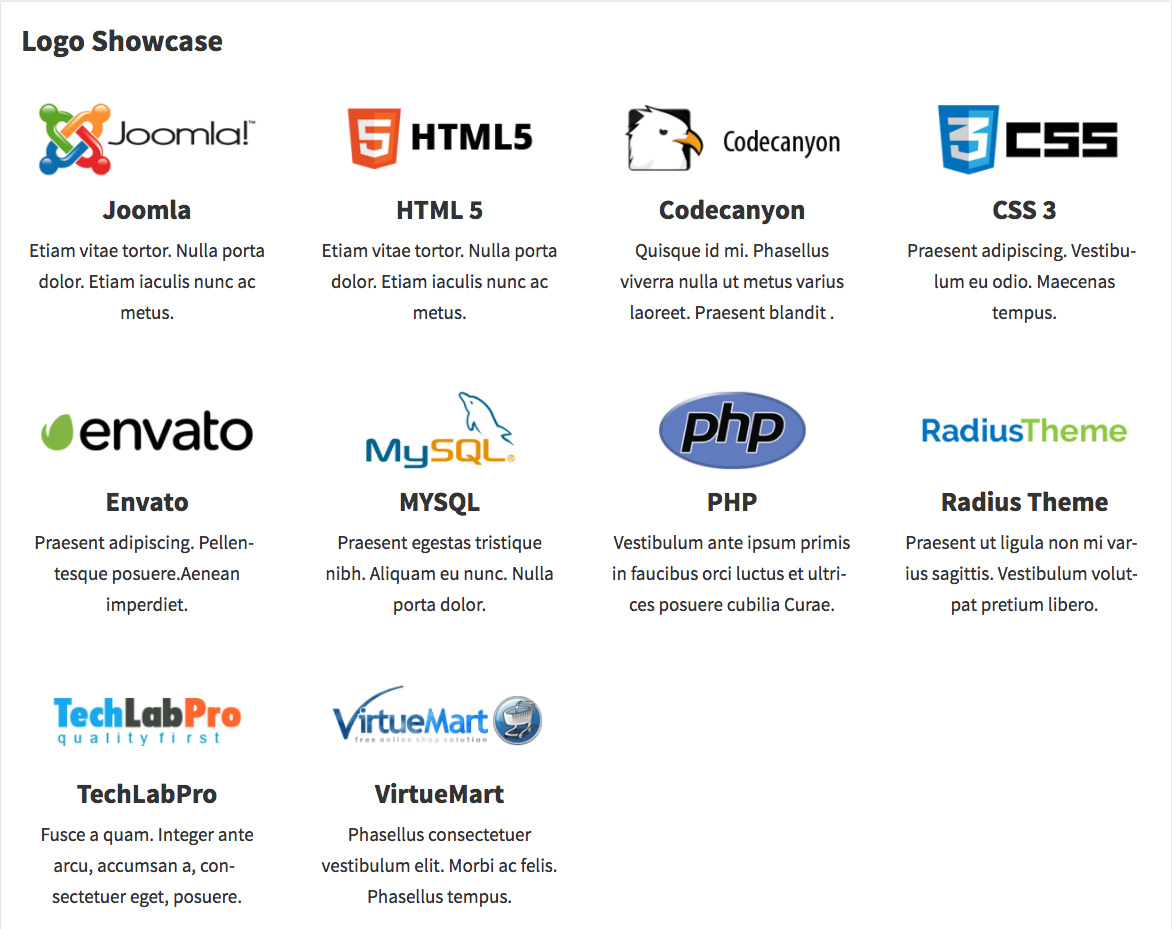
Grid layout with Title and description 
Grid layout 
Slider layout with title and description 
Slider layout 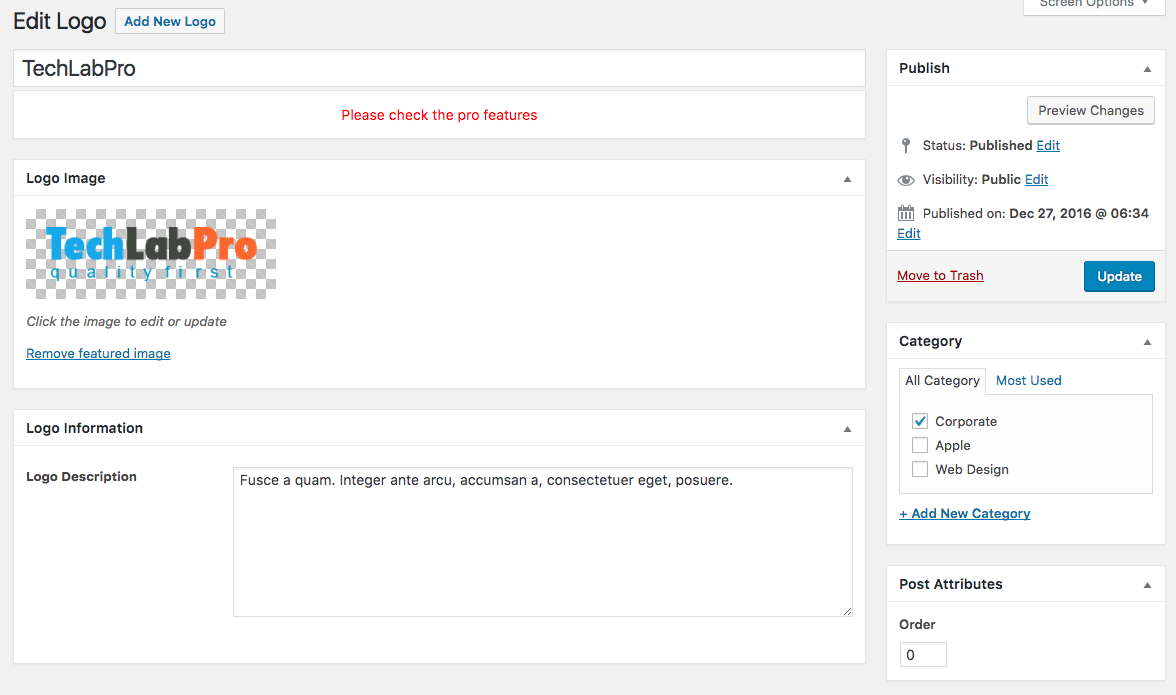
Add/Edit logo 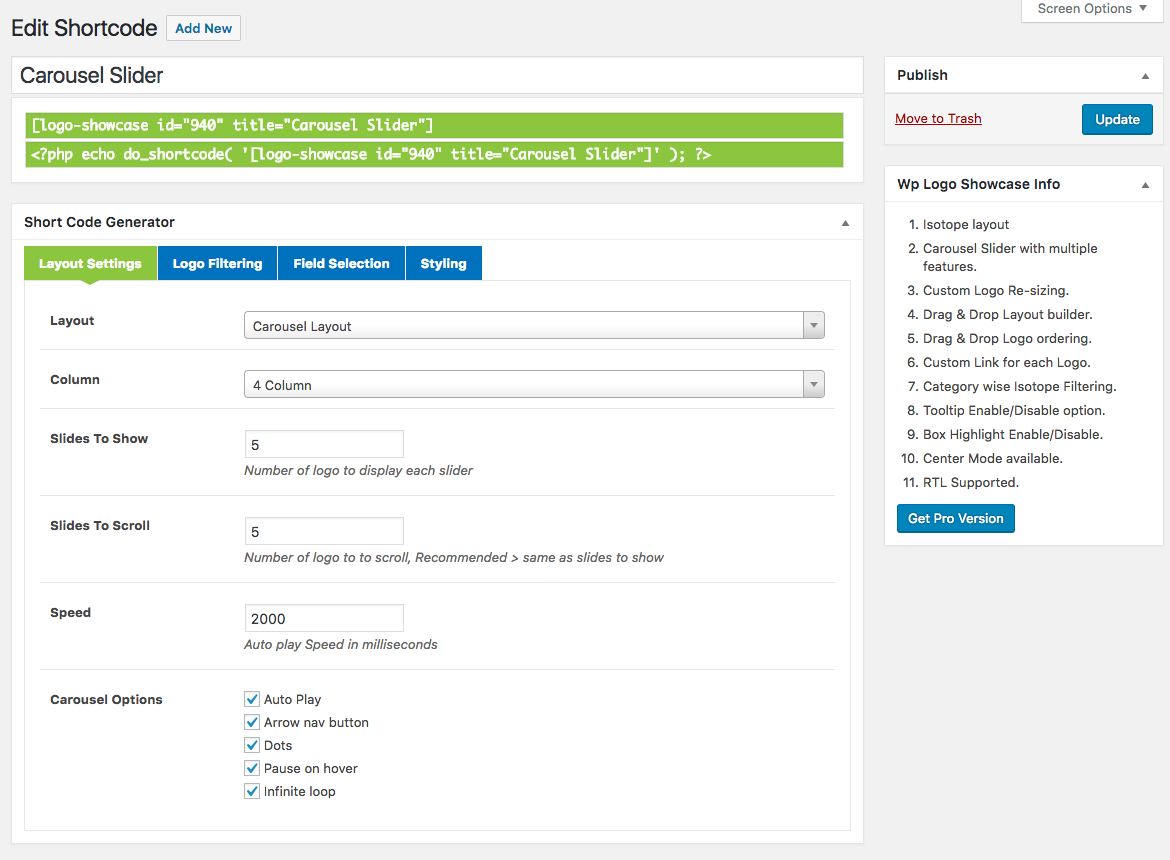
Shortcode Options 
Settings
Bloques
Este plugin proporciona 1 bloque.
- Logo Slider and Showcase
Instalación
Using The WordPress Dashboard
- Navigate to the ‘Add New’ in the plugins dashboard
- Search for ‘WP Logo Showcase’
- Click ‘Install Now’
- Activate the plugin on the Plugin dashboard
Uploading in WordPress Dashboard
- Navigate to the ‘Add New’ in the plugins dashboard
- Navigate to the ‘Upload’ area
- Select
wp-logo-showcase.zipfrom your computer - Click ‘Install Now’
- Activate the plugin in the Plugin dashboard
Using FTP
- Download
wp-logo-showcase.zip - Extract the
wp-logo-showcasedirectory to your computer - Upload the
wp-logo-showcasedirectory to the/wp-content/plugins/directory - Activate the plugin in the Plugin dashboard
FAQ
-
How to Use Logo Showcase
-
- Go to
Logo Showcase > Add New Logo - Go to
Logo Showcase > Shortcode Generatorcreate new shortcode - Go to page or post editor click Logo Showcase Shortcode button and select a shortcode from dropdown list and insert shortcode.
- Go to
-
Need Any Help?
-
- Please mail us at
support@radiustheme.com - We provide
15 hours live support
- Please mail us at
Opiniones

13 de Enero de 2021
Tried any shortcode possible including the one in the documents but no go.
Nothing showed...

6 de Mayo de 2020
This plugin is a core part of my website and works great! When I have had questions/issues the support has been fantastic too.

9 de Octubre de 2019
I use it on several sites. No problem

5 de Diciembre de 2018
It crashed my wordpress. I will have to install it all again. Everything I posted is lost.

25 de Enero de 2018
1 respuesta
This is the best slider plugin I've used. Support is great, helpful and answer questions within a very reasonable amount of time!

1 de Octubre de 2017
I've installed and uninstalled eight (8) other logo/image carousel and grid plugins. Each one greatly distorted the images in one way or another (enlarging them 200%, cropping them, etc), even when all of the images were the exact same dimensions.
This plugin simply just WORKS as you would expect it to. Perfect.
Thank you!
Colaboradores & Desarrolladores
“Logo Slider and Showcase” es software de código abierto. Las siguientes personas han contribuido a este plugin.
Colaboradores
Traduce & #8220;Logo Slider and Showcase” a tu idioma.
¿interesado en el desarrollo?
Revisa el código , echa un vistazo al repositorio SVN , o suscríbete al log de desarrollo por RSS .
Historial de cambios
1.4.5 ( April 18, 2024)
- Updated: Proper sanitization and escaping for all files.
- Fixed: Some security bugs.
1.4.3 (April 18, 2023)
- Fixed: Responsive Css issue.
1.4.2 (January 11, 2023)
- Fixed: Compatibility with the latest version of Elementor.
1.4.1 (November 28, 2022)
- Fixed: Some errors with PHP 8.0 environment.
1.4.0 (August 8, 2022)
- Updated: Proper sanitization and escaping for all files.
- Updated: All vendor libraries.
1.3.39 (February 16, 2022)
- Add support to WordPress 5.9
1.3.38 (October 19, 2021)
- Add new Settings
1.3.37
- Security update
1.3.36
- Fixed image height issue
1.3.34
- Fixed Settings image size issue
1.3.33
- Compatible with latest WP
1.3.31
- Elementor and GUtenburg Support
1.3.3
- Add title color
1.3.2
- Carousel Slider RTL option is added
1.3.1
- Add Logo alt text
1.3
- Client URL field is added.
1.2
- Extend column 5 to a row
- Update some jQuery code
- WPML Support
1.0
- Initial release