

Descripción
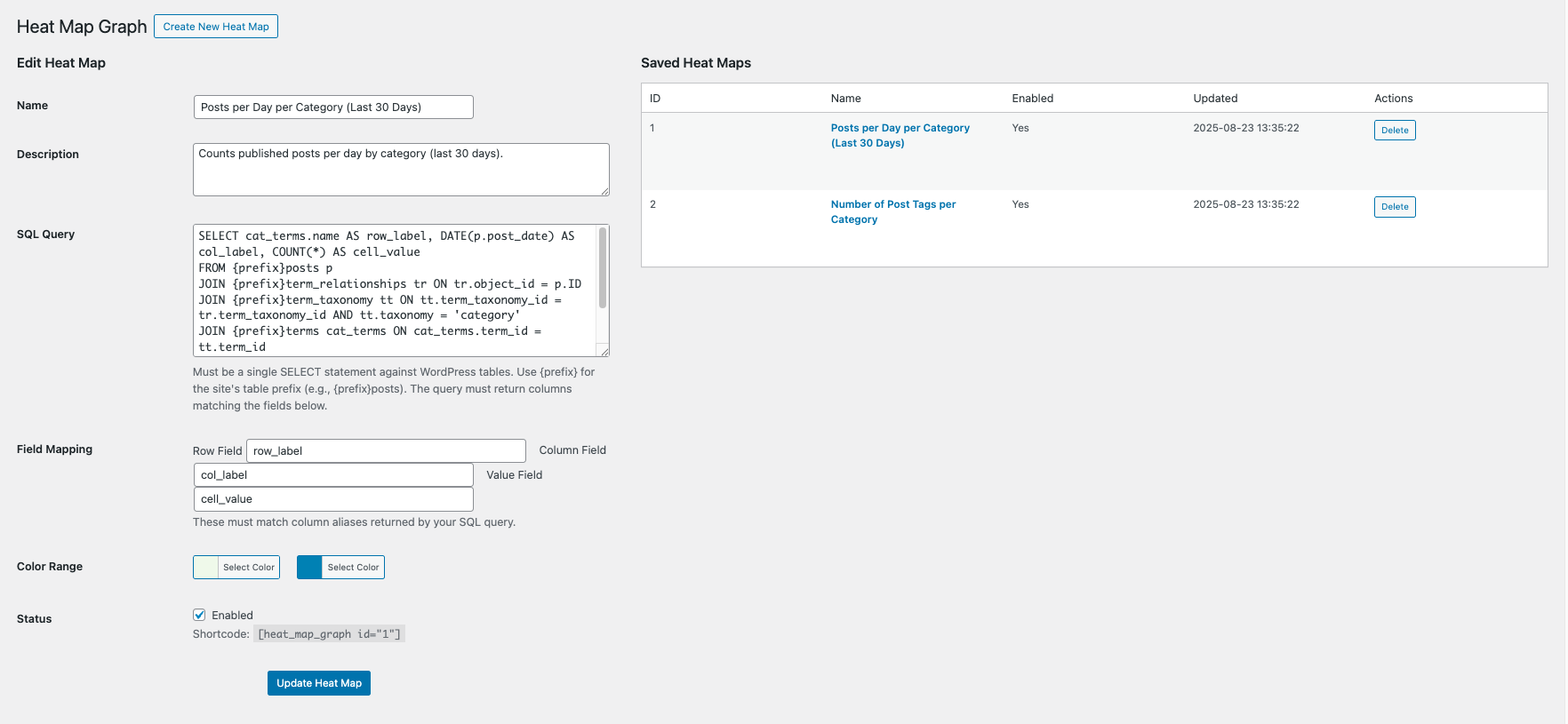
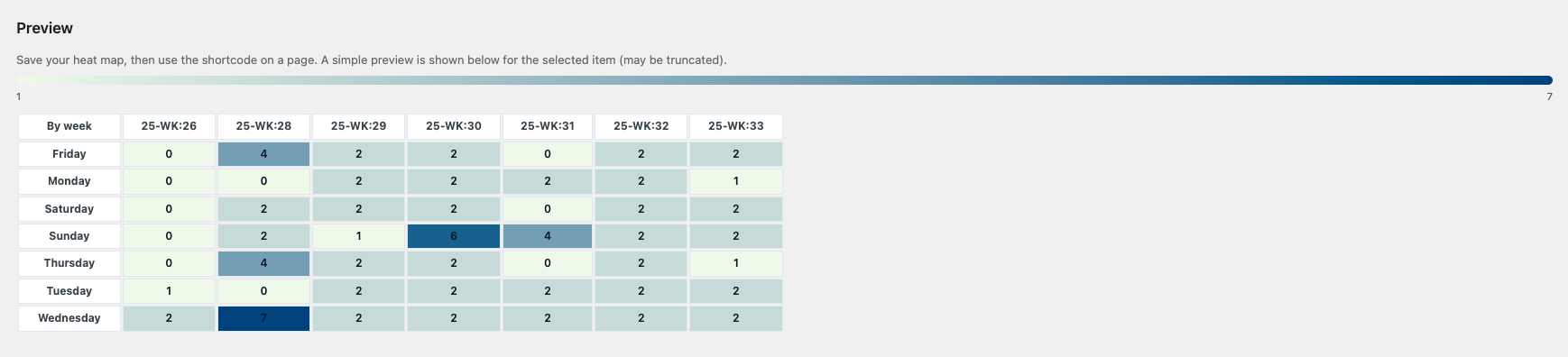
Heat Map Graph lets administrators build data heat maps backed by SQL SELECT queries on WordPress tables. Configure:
- Query: a single SELECT statement targeting WP tables
- Field mapping: row, column, and value fields produced by the query
- Color range: hex colors for min and max
- Status: enable/disable
Use the shortcode on pages/posts:
[heat_map_graph id="123"]
Security features:
– Validates SQL is a single SELECT against WP tables only
– Blocks DML/DDL keywords
– No multiple statements
– Admin-only UI with nonces and strict sanitization
On activation, two sample heat maps are created:
– Posts per Day per Category (Last 30 Days)
– Number of Post Tags per Category
Capturas de pantalla
Instalación
- Upload the plugin folder
heat-map-graphto/wp-content/plugins/ - Activate the plugin
- Under Heat Map Graph in the admin menu, create a heat map or use samples
- Place the shortcode
[heat_map_graph id="<ID>"]where you want the heat map
FAQ
-
Which tables can I query?
-
Only WordPress core tables, prefixed by your site’s
$wpdb->prefix. -
Can I pass parameters?
-
Use static queries or views; dynamic user input is not supported for security.
Reseñas
No hay reseñas para este plugin.
Colaboradores & Desarrolladores
“Heat Map Graph” es software de código abierto. Las siguientes personas han contribuido a este plugin.
Colaboradores
Traduce “Heat Map Graph” a tu idioma.
¿Interesado en el desarrollo?
Revisa el código, echa un vistazo al repositorio SVN, o suscríbete al registro de desarrollo por RSS .
Historial de cambios
1.0.0
- Initial release