

Descripción
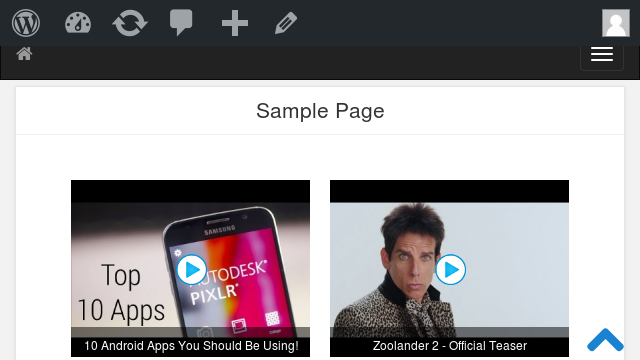
Display YouTube, Vimeo and DailyMotion videos in a beautiful, fully responsive video grid with a pop-up lightbox — no coding required.
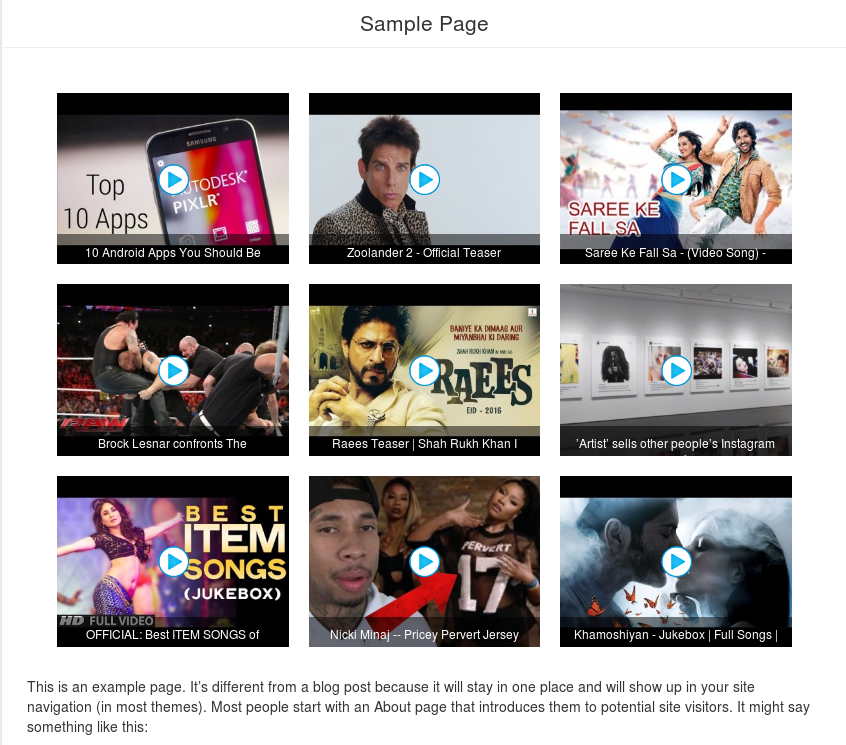
Video Grid is a free WordPress video grid plugin that turns a list of video links into a clean, responsive grid your visitors can watch in a modern lightbox, without ever leaving your page. Just paste a video URL and the plugin automatically fetches the thumbnail, title and description for you.
Add, edit, reorder and preview your grid from the admin panel, then place it anywhere with a simple shortcode or the native Gutenberg block — it works with any theme.
Why choose Video Grid?
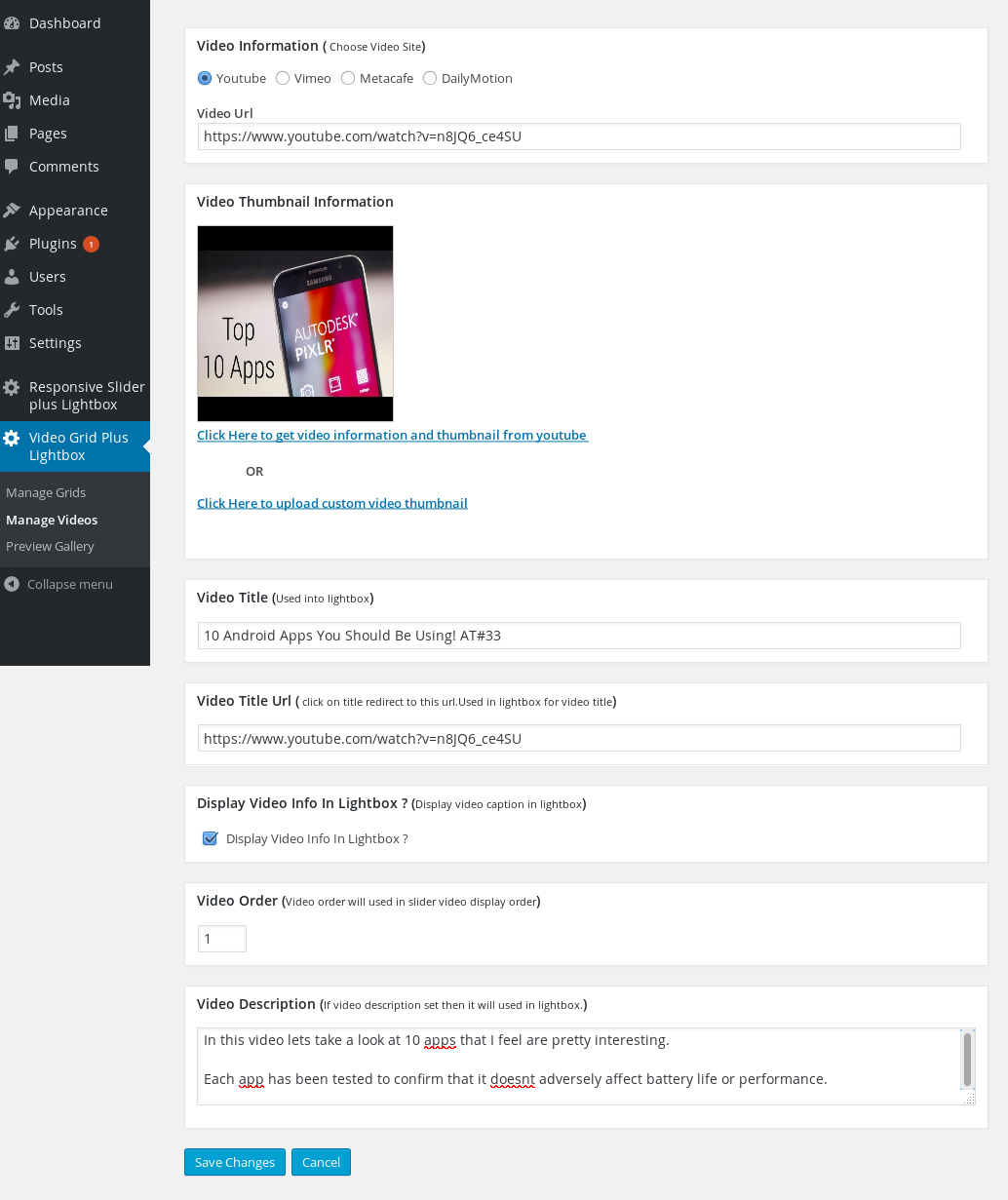
- Paste a link, done — thumbnail, title and description are fetched automatically for YouTube, Vimeo and DailyMotion.
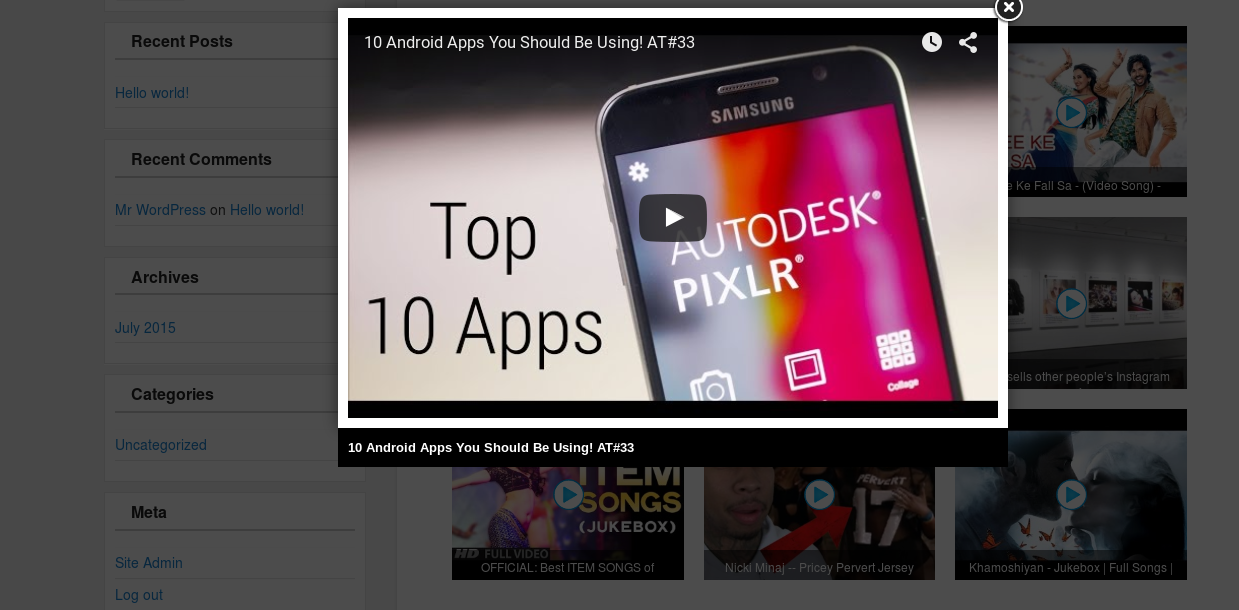
- Watch in a lightbox — visitors play videos in a responsive pop-up player instead of being redirected away from your site.
- Modern or classic — choose the new lightweight modern grid and lightbox engines (fast, responsive, no jQuery), or keep the classic ones. Existing sites are never changed on upgrade.
- Gutenberg block included — build your grid right inside the block editor, no shortcode needed.
- Fully responsive — the grid and lightbox look great on desktop, tablet and mobile.
- No ads in your grids — clean output on your site.
Free features
- Add any number of videos to a grid
- Supports YouTube, Vimeo and DailyMotion
- Responsive video grid and responsive lightbox
- New modern lightbox engine — lightweight, no jQuery (classic lightbox still available)
- New modern grid engine — CSS grid, centered, responsive columns (classic layout still available)
- Native Gutenberg block for the block editor
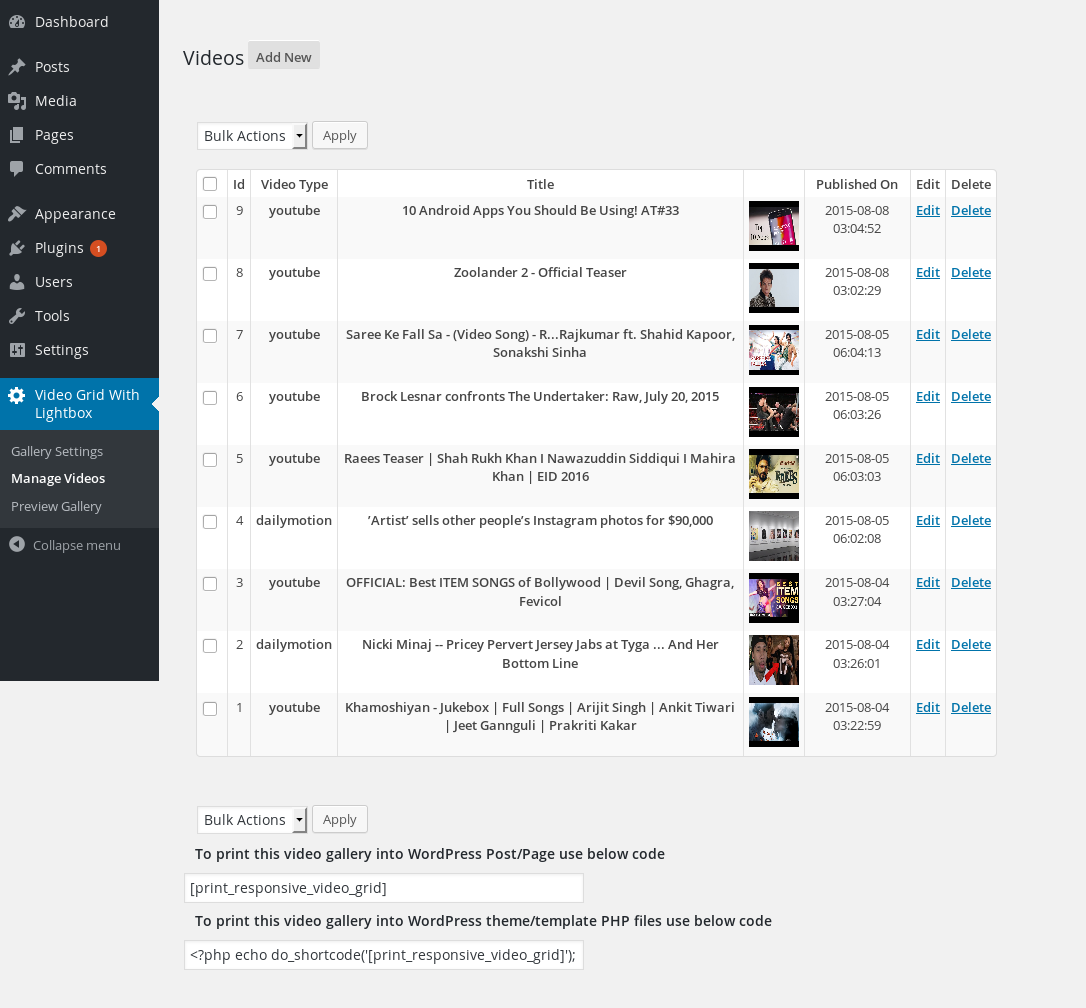
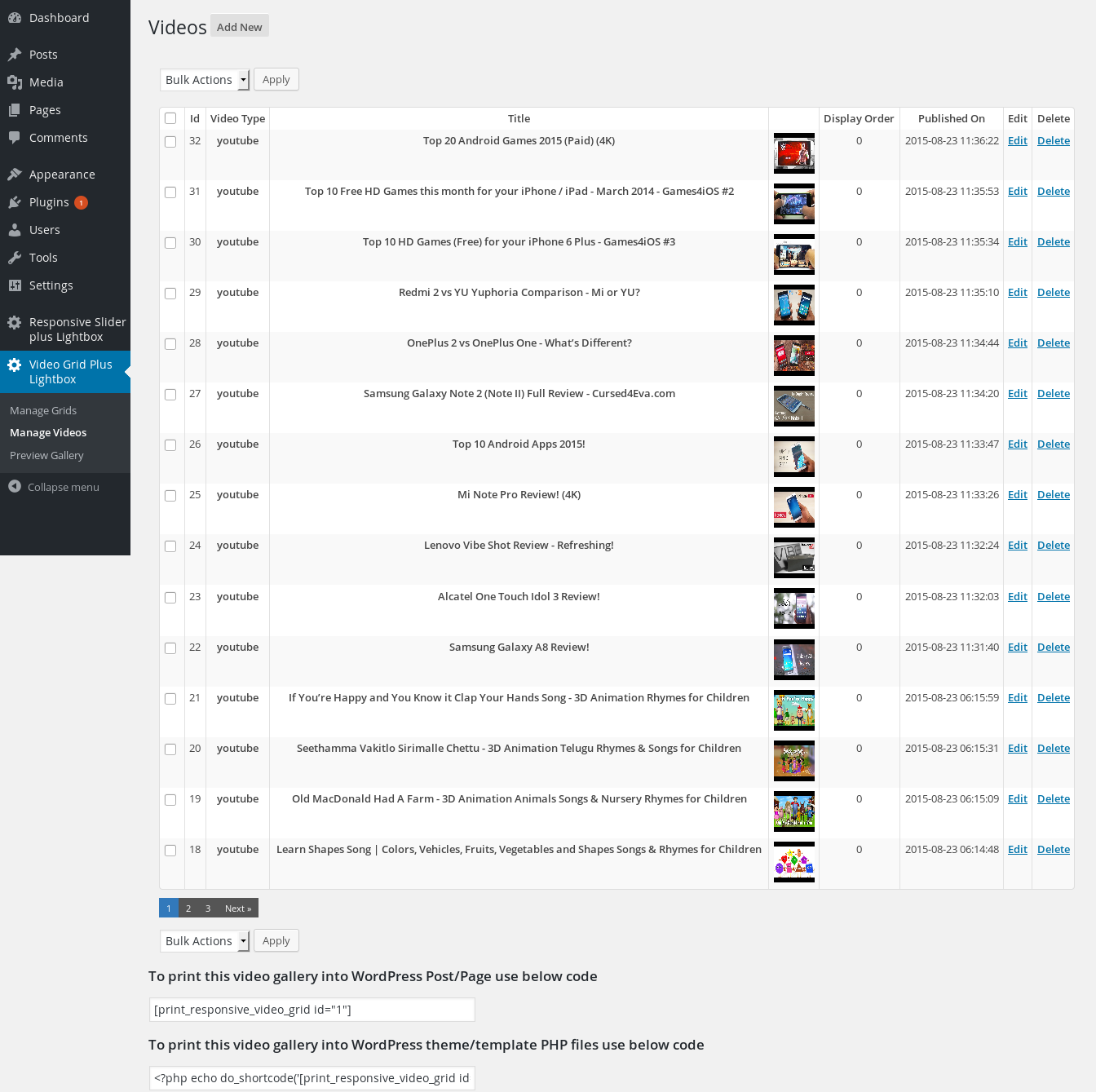
- Add, edit and delete videos
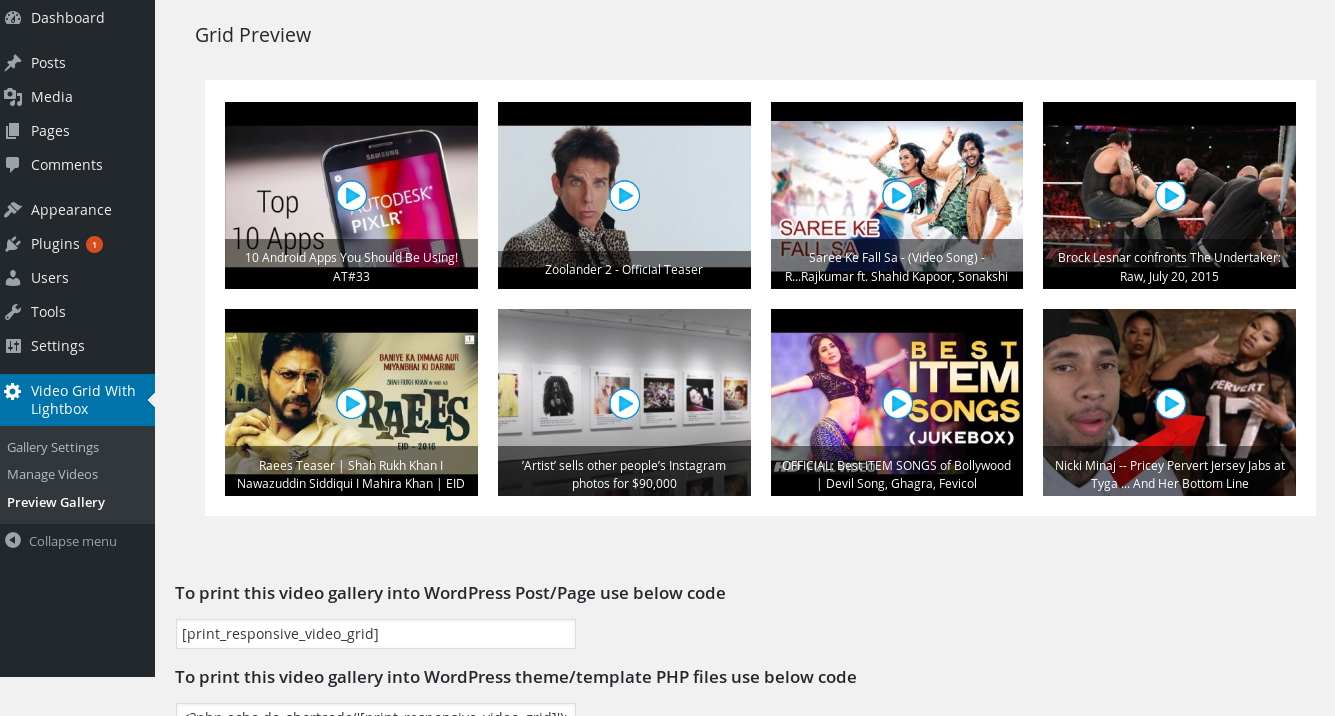
- Preview your grid before you publish it
- Play video in a lightbox, or redirect to the source site
- Optional captions on thumbnails
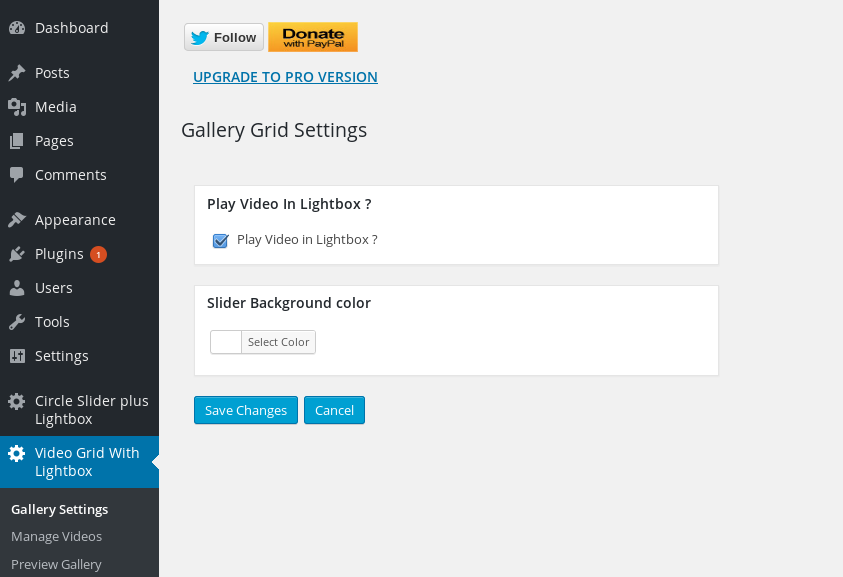
- Change the grid background
- Simple shortcode for pages, posts and themes
- WordPress capabilities (roles/permissions) support
Upgrade to Video Grid Pro
Need more power? Video Grid Pro adds everything the free version doesn’t — for a one-time price, with no annual fee:
- Unlimited video grids — show different grids on different pages
- Three grid layouts — Standard, Masonry (Pinterest-style) and Justified (edge-to-edge rows)
- Bulk import an entire YouTube channel or playlist in one click
- Metacafe and self-hosted HTML5 video support (in addition to YouTube, Vimeo, DailyMotion)
- Elementor widget and Divi module — plus the Gutenberg block
- Custom thumbnail width and height, custom or one-click thumbnail download
- Video description inside the lightbox
- Left / center / right grid alignment, with matching pagination
- AJAX pagination with a custom page size
- Manual video ordering with mass order updates, and random order
- Open videos in the lightbox or a new browser tab
- Priority support and no advertisements
Please rate this plugin if you find it useful — it really helps.
Licencia
This plugin is free for everyone! Since it’s released under the GPL, you can use it free of charge on your personal or commercial blog. If you find it useful, a donation is always appreciated.
Capturas de pantalla





Bloques
Este plugin proporciona 1 bloque.
- Video Grid Display your responsive video grid with lightbox.
Instalación
This plugin installs like any other WordPress plugin:
- Upload the video-grid folder to the wp-content/plugins folder (or install it from Plugins > Add New in your dashboard).
- Activate the plugin from the Dashboard / Plugins window.
- The plugin is now active — see the Usage section below.
Usage
- After activating, go to the Video Grid with Lightbox menu.
- Add your videos under Manage Videos (paste a YouTube, Vimeo or DailyMotion link — the thumbnail, title and description are fetched automatically).
- Configure your grid under Grid Settings, and preview it before publishing.
- Add the grid to a page or post using the Video Grid block, or the shortcode [print_responsive_video_grid]. To add it in a theme template, use: echo do_shortcode(‘[print_responsive_video_grid]’);
FAQ
-
How do I use it?
-
After activating, go to the Video Grid with Lightbox menu, add your videos under Manage Videos (just paste a video link), configure the grid under Grid Settings, then add it to a page or post using the Video Grid block or the [print_responsive_video_grid] shortcode. See the Installation and Usage sections above for details.
-
Which video sites does the free version support?
-
The free version supports YouTube, Vimeo and DailyMotion. The Pro version adds Metacafe and self-hosted HTML5 video.
-
Do I have to add videos one at a time?
-
In the free version, yes. Video Grid Pro can bulk-import an entire YouTube channel or playlist in one click.
-
Can I have more than one grid?
-
The free version includes one grid. Video Grid Pro supports unlimited grids, so you can show different videos on different pages.
-
Does it work with the block editor?
-
Yes. The free version includes a native Gutenberg block. Video Grid Pro adds an Elementor widget and a Divi module as well.
-
Will upgrading change how my existing grid looks?
-
No. The new modern grid and lightbox engines are opt-in — existing sites keep their current appearance until you choose to switch.
-
What does the Pro version add?
-
Unlimited grids, three layouts (Standard, Masonry and Justified), YouTube channel/playlist bulk import, Metacafe and HTML5 video, Elementor and Divi support, custom thumbnail sizes, AJAX pagination, alignment controls and more. See Video Grid Pro.
Reseñas


Colaboradores & Desarrolladores
“Video Grid” es software de código abierto. Las siguientes personas han contribuido a este plugin.
Colaboradores
Traduce “Video Grid” a tu idioma.
¿Interesado en el desarrollo?
Revisa el código, echa un vistazo al repositorio SVN, o suscríbete al registro de desarrollo por RSS .
Historial de cambios
1.25
- Added Vimeo support to the free version.
- Added a new modern lightbox engine option (lightweight, no jQuery); existing sites keep the original lightbox.
- Added a new modern grid layout engine option (CSS grid, centers properly, responsive columns); existing sites keep the original layout.
- Added a native Gutenberg block — add your video grid from the block editor.
- Added an icon to the admin menu.
- Replaced third-party ads in the admin side panel with Pro version information.
- Added a review request notice.
1.24
- Added webp image support
- Tested with WordPress 6.8
1.23
- Make plugin compatible with block editor
- Tested with WordPress 6.3
1.22
- Fixed vulnerabilities
- Tested with WordPress 6.2
1.21
- Fixed slash and quote showing in title
1.20
- Fixed html break due to invalid html in title,description
- Tested with WordPress 5.9
1.19
- Fixed php warning while fetch, youtube video info
- Tested with WordPress 5.8
1.18
- Fixed youtube video title can’t get after latest updates of youtube
1.17
- Added option to resize image or not
1.16
- Fixed lightbox not working on jQuery 3.x
1.15
- Added lazy loading
- Tested with WordPress 5.5
1.14
- Remove jQuery.noConflict() as it cause problems with $ usage.
1.13
- Improve video grid loading
1.11
- Fix dailymotion api not working when there is query string in url
- Tested with WordPress 5.3
1.11
- Improve code so that if Jquery included in footer in theme, plugin do not have any error
- Tested with WordPress 5.2
1.10
- dailymotion.com api updated so change according to fix thumbnail image not working
1.0.9
- Added WordPress capabilities feature
- fix undefined error for $search_term_
- Tested with WordPress 5.1
1.0.8
- fix Security Vulnerability: Missing Validation on TLS Connections
- Improve pagination in admin
1.0.7
-Improve admin UI
1.0.6
-Tested upto wp 5.0.
-Plugin now translatable
1.0.5
-fix dailymotion video not working properly.
1.0.4
-fixed alert when click on video
1.0.3
-fixed for shortcode not working in wordpress 4.8 widgets
1.0.2
- fix for work with multiple fancybox version
1.0.1
- I notice that some host does not allow copy remote image via copy function so I have added function to copy image via curl.If copy function fail then try with curl.
- Tested with WordPress 4.6
1.0
- Stable 1.0 first release