

Descripción
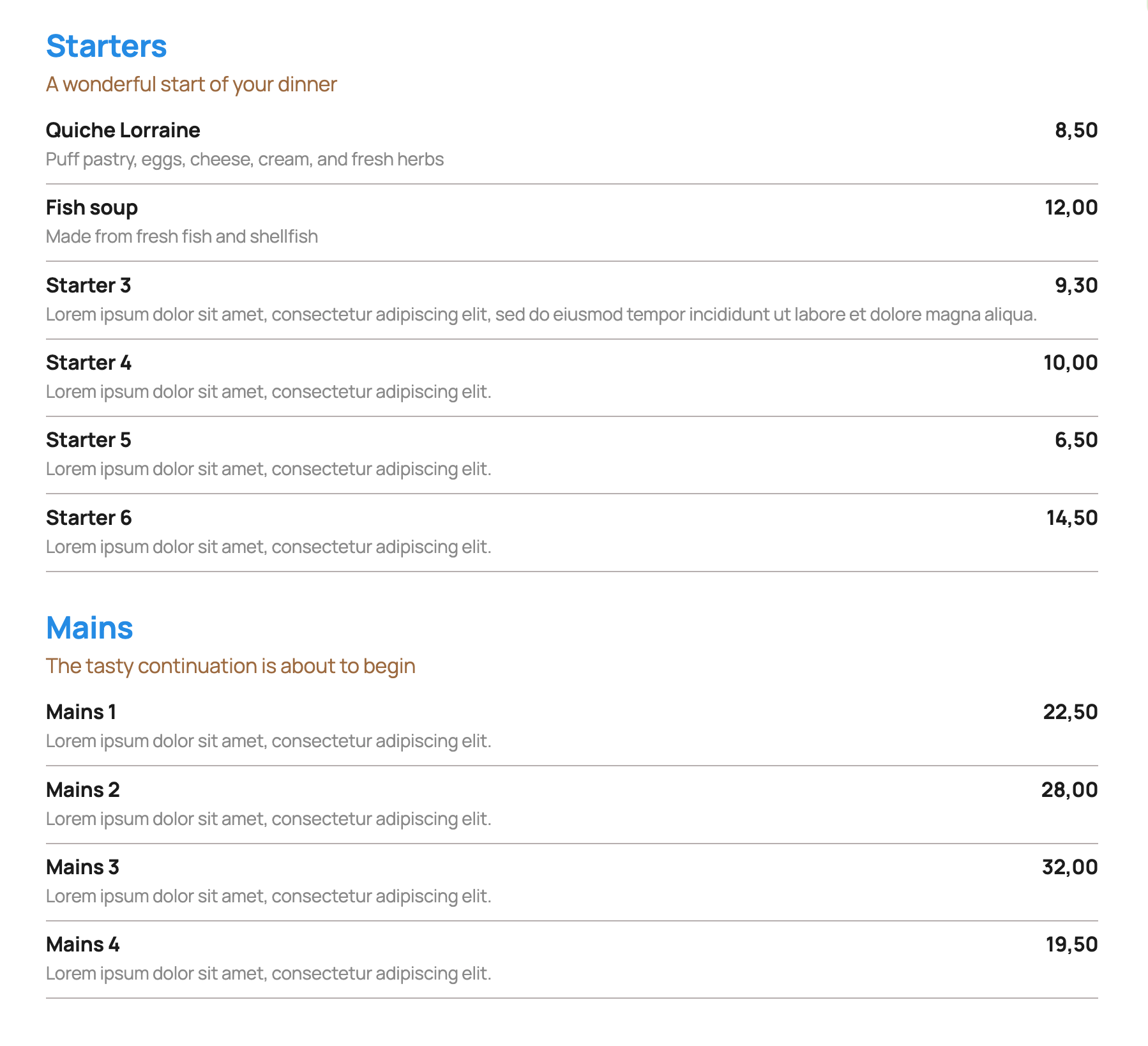
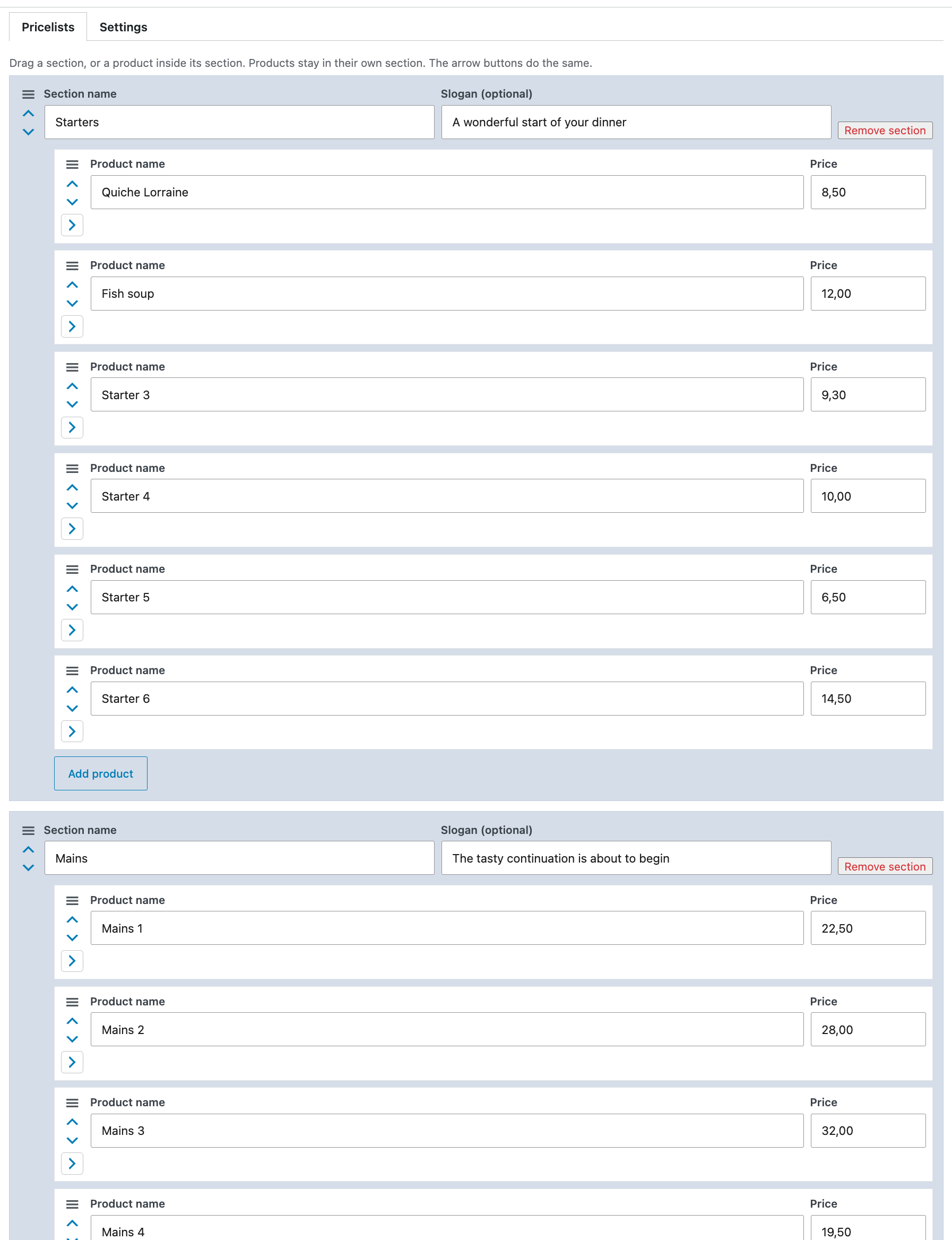
Insight Pricelist stores each price list on its own. A list has sections. Each section has an optional slogan and products with a name, an optional description, and a price.
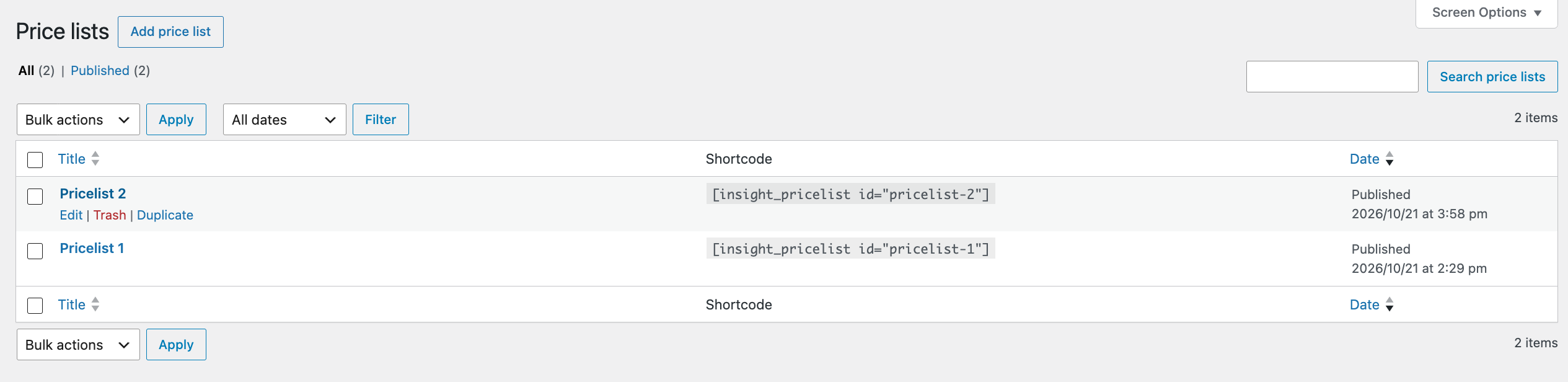
Add a published list to a page with:
[insight_pricelist id="your-list-slug"]
The id is the list slug, or the numeric id.
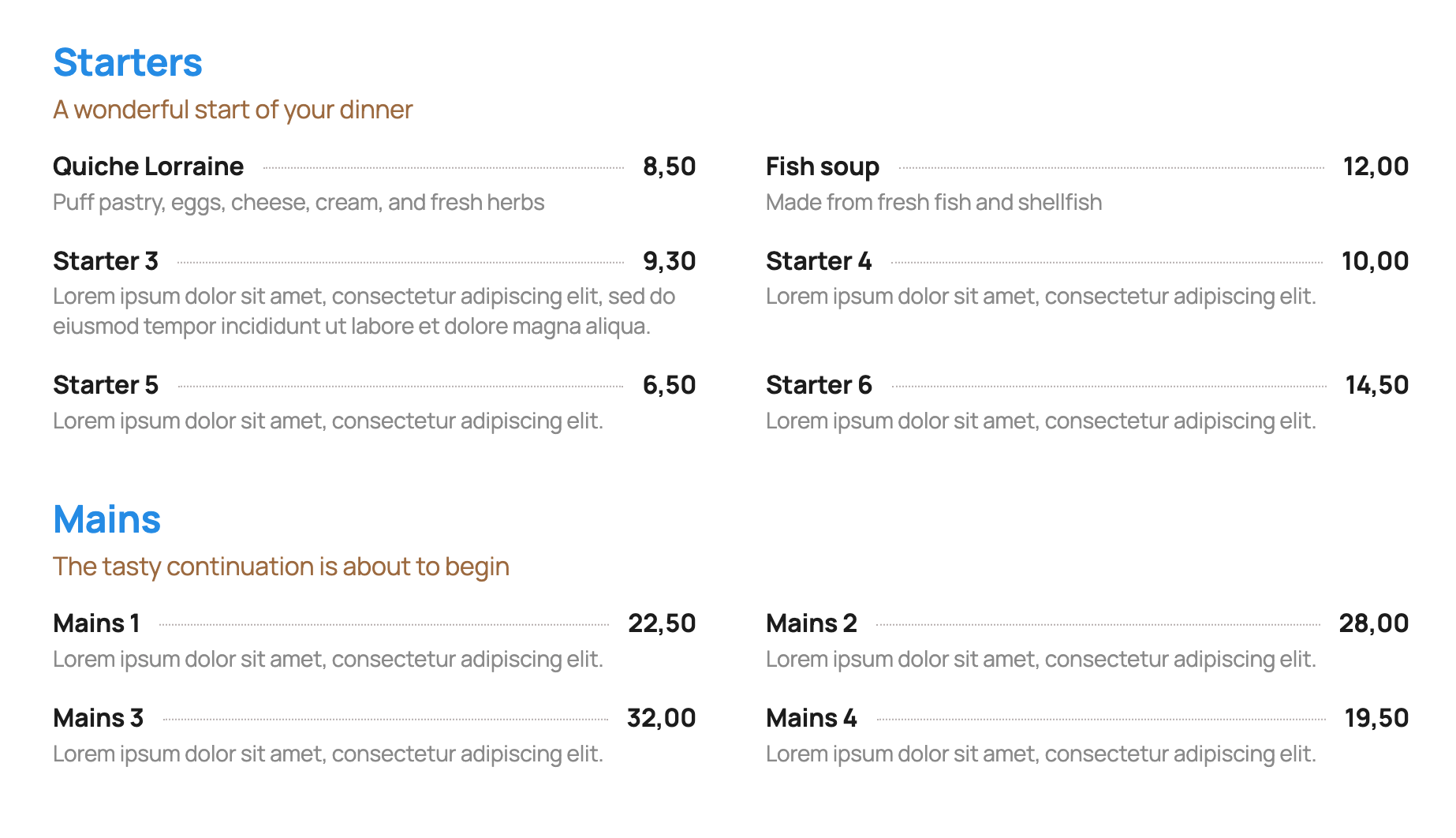
- One column or two columns. Two columns stack on small screens. In two columns, the line under a row runs across both products.
- Show or hide the list name. It is hidden by default.
- Reorder sections, and reorder products inside a section.
- A line under each product, a dotted line between the name and the price, or no line. One color for both line styles.
- A currency symbol before or after the price. Leave the currency empty to show the amount only. The price itself is free text, and an empty price hides the currency.
- For the list name, section name, slogan, product name, description, and price: color, size, a CSS class, and a font the site already loads. The plugin does not add font files.
- Width follows the block the shortcode sits in, or uses the theme wide width.
- Duplicate a whole list, including its colors and content.
- In the editor, products stay collapsed until opened. Anyone who can edit the list can change its settings and publish it. Uninstall does not delete lists.
Pro add-on
Need more? See Insight Pricelist Pro.
- Tab-style layout: sections as tabs, showing the products in that section only.
- Section and slogan left alignment or centered.
- Before each product: a photo, or one icon for the whole list.
- Client mode: edit settings with administrator privileges only.
- URLs (page or an external link) can be added to the product name or shown separately.
- Product Schema output.
- Separate class field for each section name (notranslate, target colors or any other need).
- Export (backup) and import.
- Import sections and products from pasted text.
Capturas de pantalla

Instalación
- Upload the plugin folder to
/wp-content/plugins/insight-pricelist. - Activate Insight Pricelist.
- Open Insight Pricelist in the admin menu and add a list.
- Publish the list and paste its shortcode into a page.
Reseñas
No hay reseñas para este plugin.
Colaboradores & Desarrolladores
“Insight Pricelist” es software de código abierto. Las siguientes personas han contribuido a este plugin.
Colaboradores
Traduce “Insight Pricelist” a tu idioma.
¿Interesado en el desarrollo?
Revisa el código, echa un vistazo al repositorio SVN, o suscríbete al registro de desarrollo por RSS .
Historial de cambios
1.0.20
- The shortcode note says to paste the shortcode on a page.
1.0.19
- The Pro description includes text import of sections and products.
1.0.18
- The Pro note mentions an icon before each product.
1.0.17
- Price lists with sections, optional slogans, products, descriptions, and prices.
- One or two columns. On a wide screen the line under a two-column row runs across both products. On a small screen the products stack and each keeps its own line.
- Container or wide width. Colors, sizes, classes, and fonts the site already loads. Per list: list name, line style, line color, and currency.
- Drag or move sections and products. Duplicate a whole list. Products in the editor are collapsed until opened.
- Anyone who can edit a list can change its settings and publish it. Uninstall keeps the lists.
- Link to Pro on the Plugins screen and in the price list editor. Product links and administrator-only settings are part of Pro.
1.0.9
- Coding standards: safer text cleaning, no suppressed query filters, and a readme.
1.0.8
- Slightly less space between a product description and its URL.
1.0.7
- URL uses the description style. A list can show the URL or turn the product name into the link.